
The challenge
A library this deep deserves more than a shelf of PDFs.
Ellen G. White’s writings span books, letters, manuscripts and periodicals, read around the world in many languages. The White Estate’s goal is to connect people to those writings, and through them to the Bible.
Readers needed one place to read, listen, search and study, on whichever screen was closest, without losing their place.
What we did
- Shaped the product vision and roadmap with the White Estate
- Researched readers with personas, empathy and journey maps
- Designed reading, listening, search and study for phone and tablet
- Extended the experience to desktop, watch and TV
- Created reading modes for comfort and accessibility
- Built one design system for every platform
Read. Listen. Search. Reflect.
Four ways in. One library.
Every part of the app leads back to the same writings, whether a reader has five minutes or a whole evening.
- 01
Read
Clean pages, six themes and type you control.
- 02
Listen
Audiobooks with read-along, and a player that follows you.
- 03
Search
Keywords and plain questions, answered with sources.
- 04
Reflect
Daily thoughts, devotional moments and a streak.
Readers didn’t need another e-reader. They needed a companion for a life of faith.
01 · Home and library
Every day starts with a thought.
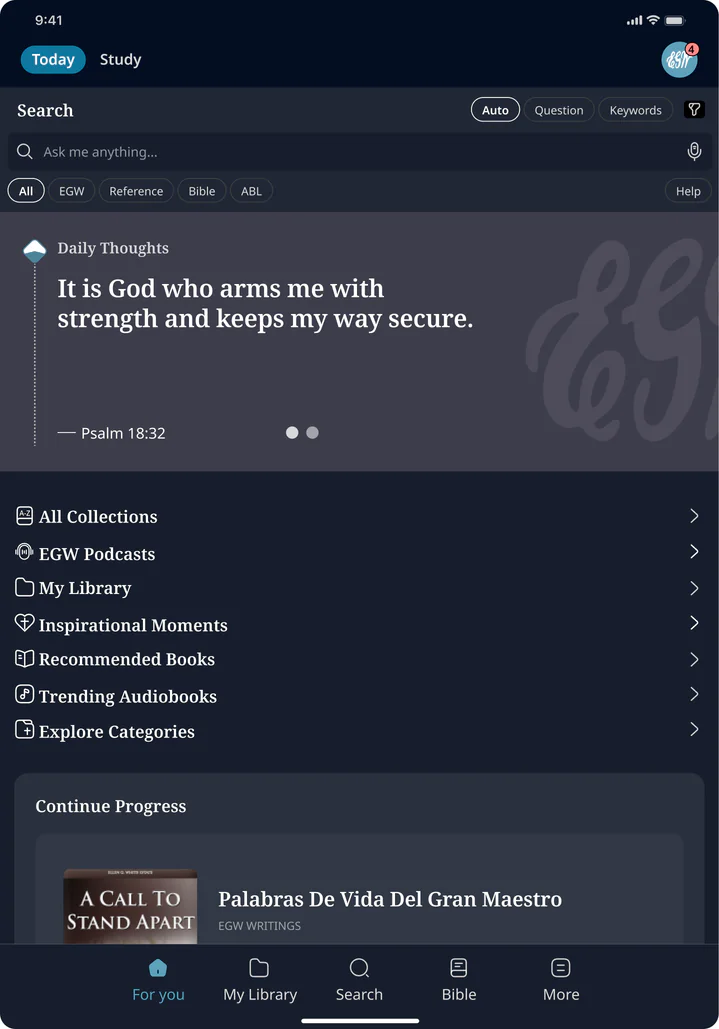
The home screen opens on a daily thought, then everything in progress. Books, audiobooks and each reader’s own library are a tap away.
A daily thought
A short passage to start the day, ready to save, share or read in full.
Continue where you left off
Books and audiobooks in progress, with the page or minute each reader reached.
A library of their own
Current reading, subscriptions and a wishlist, in the reader’s language.
02 · Reading and listening
Read it. Or hear it read.
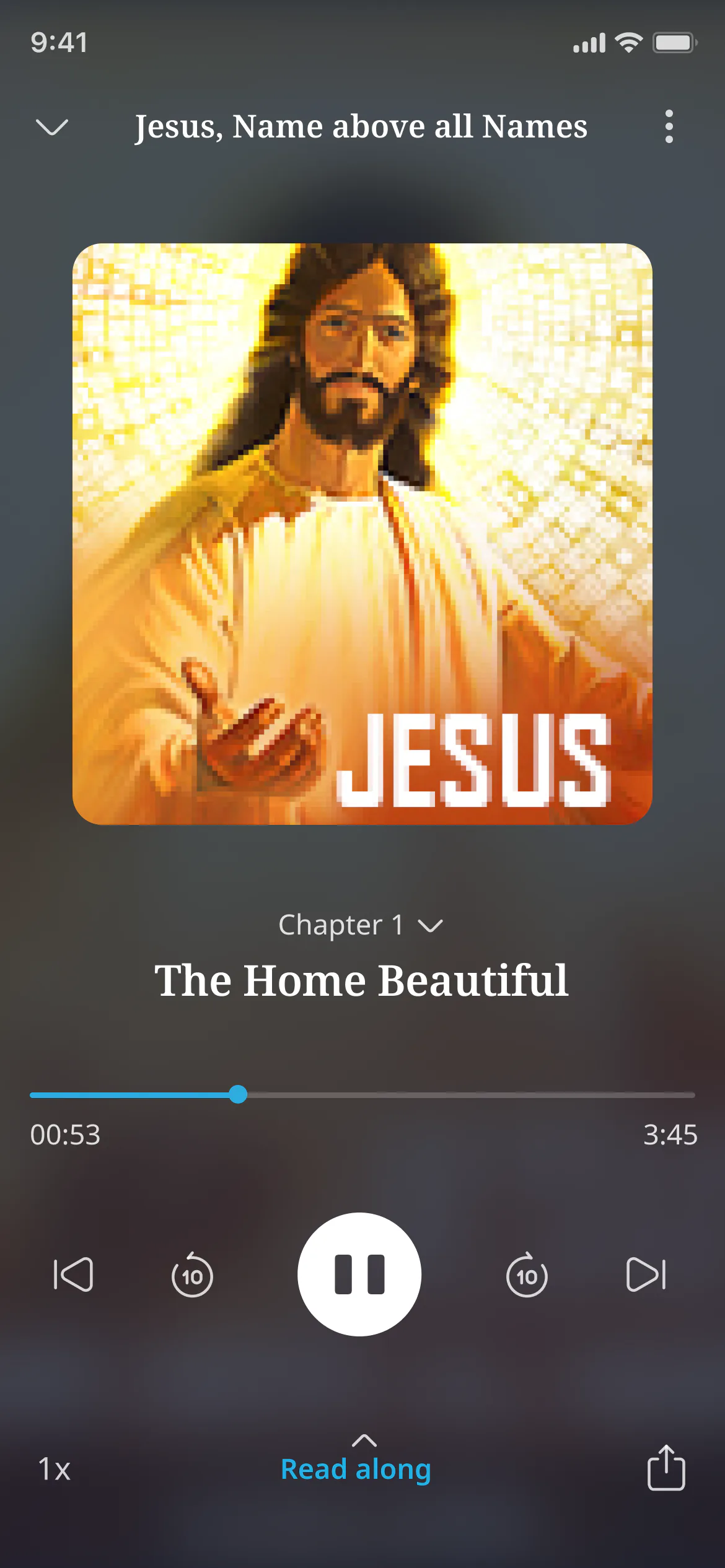
Reading stays quiet and focused. When a reader would rather listen, the narration picks up the same chapter and the text follows along.
Distraction-free reading
Generous type, a swipe between chapters and nothing in the way.
Their page, their way
Six themes, adjustable text size, fonts and alignment.
Read along
A mini player and a full player keep the text and the audio in step.
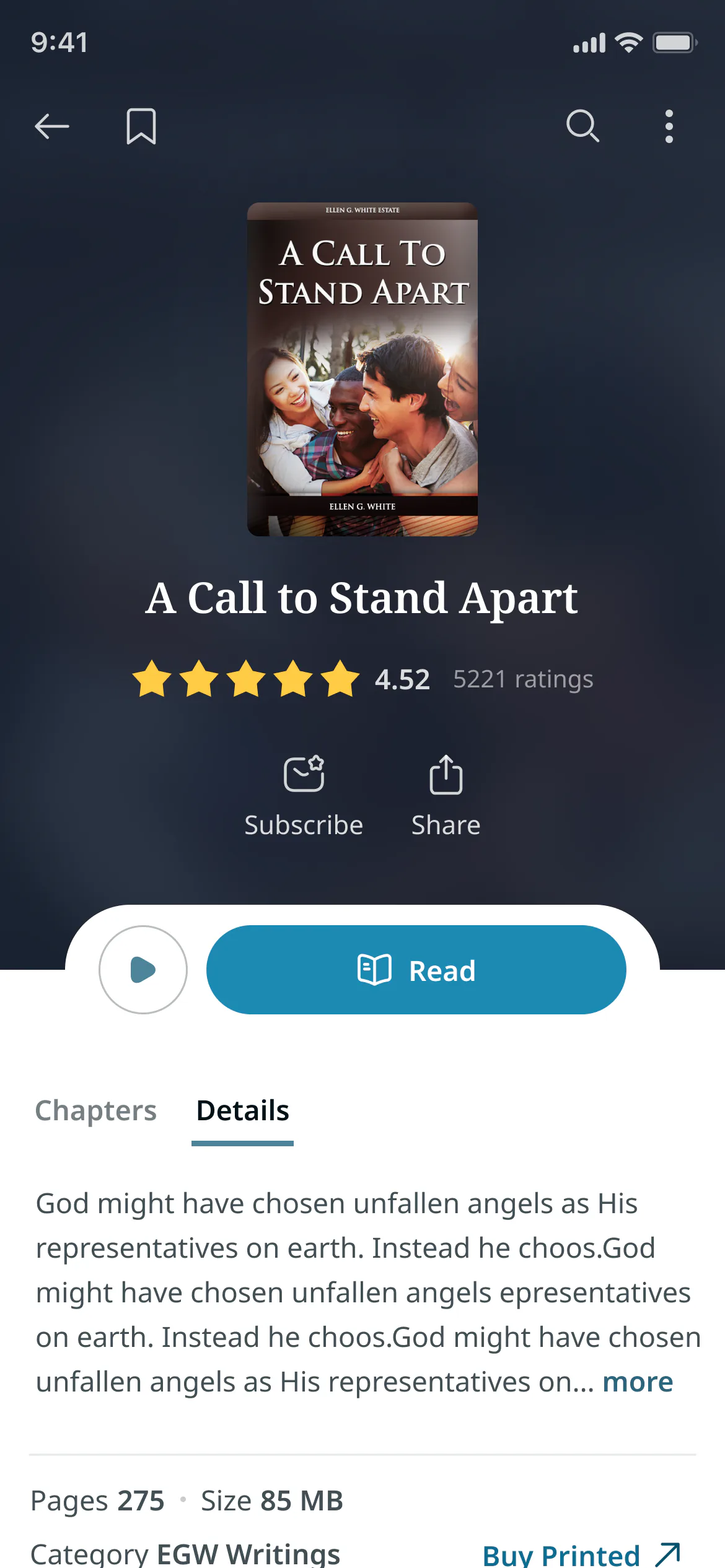
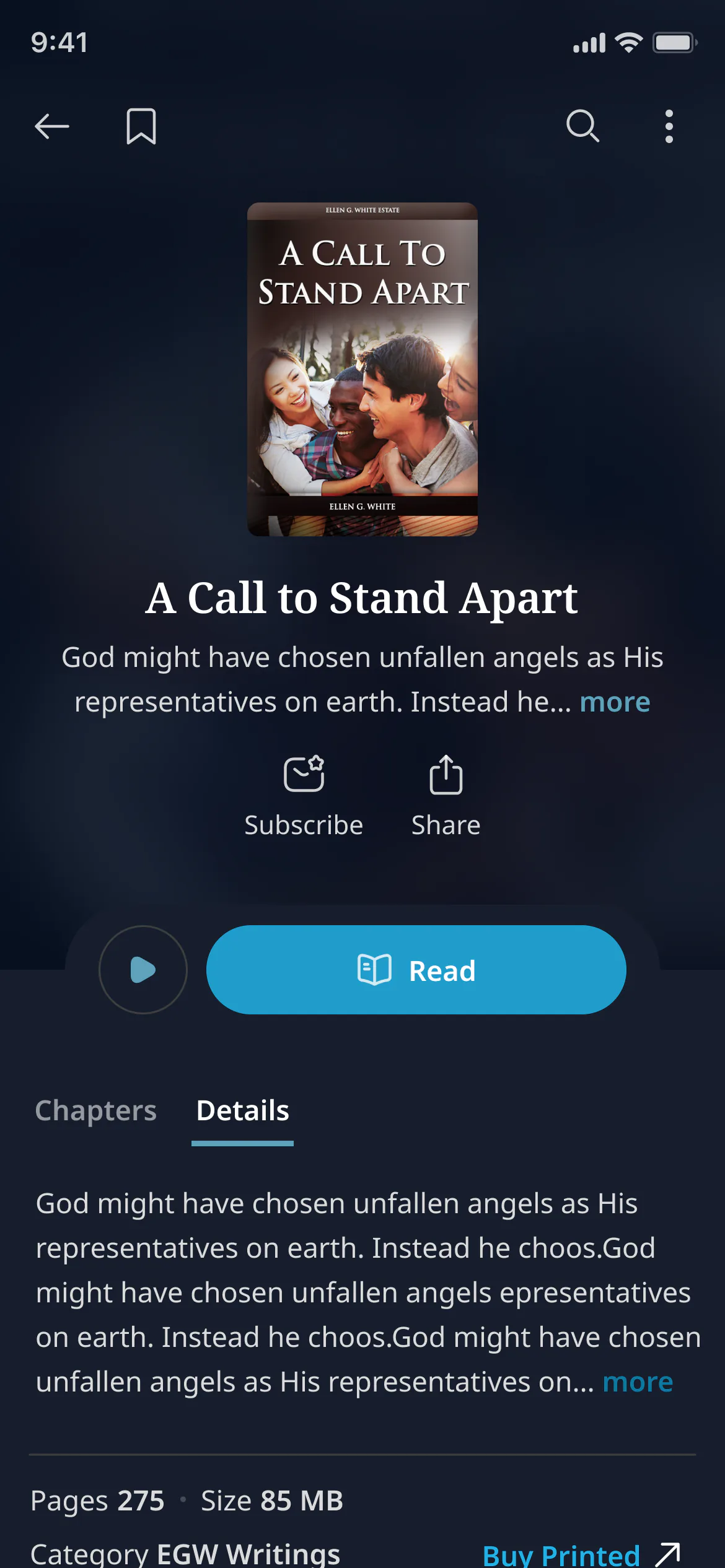
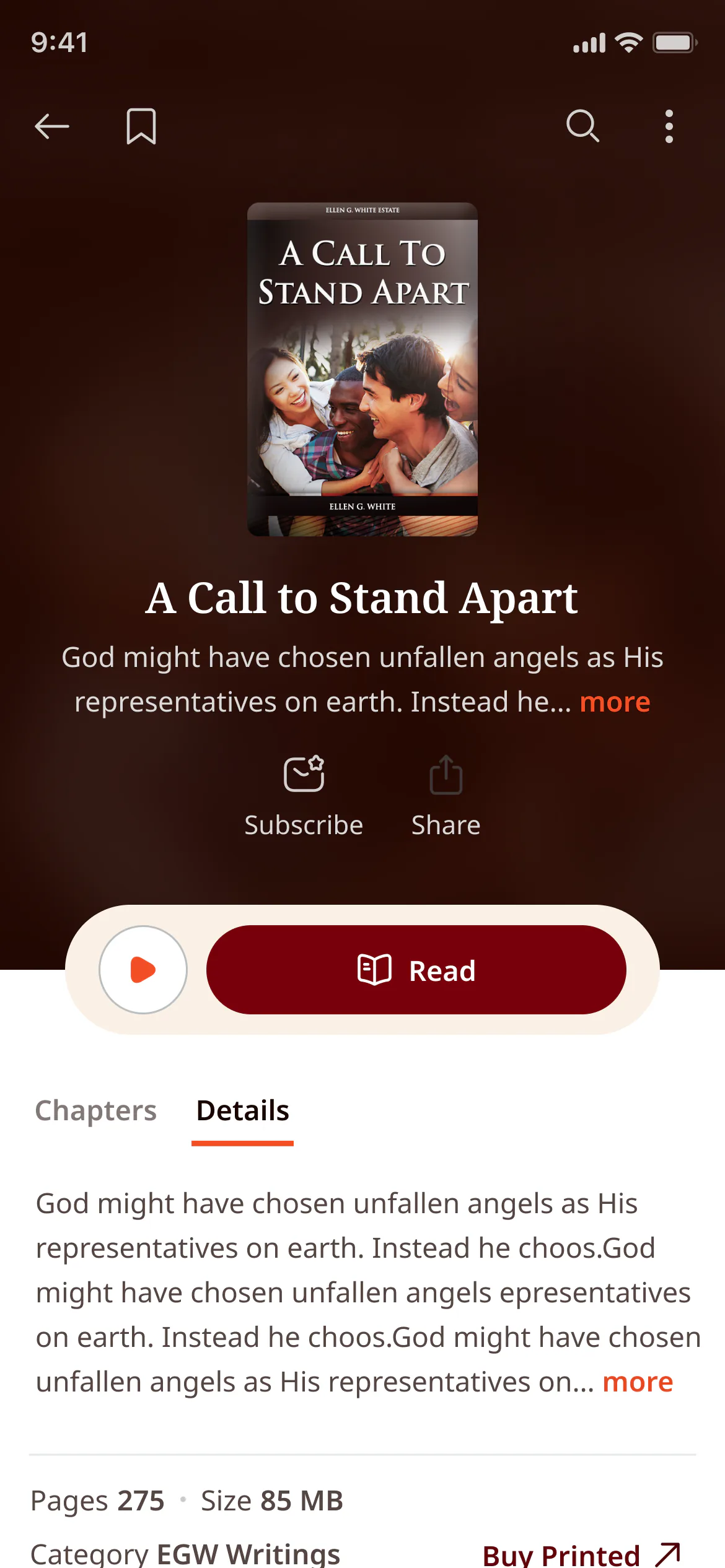
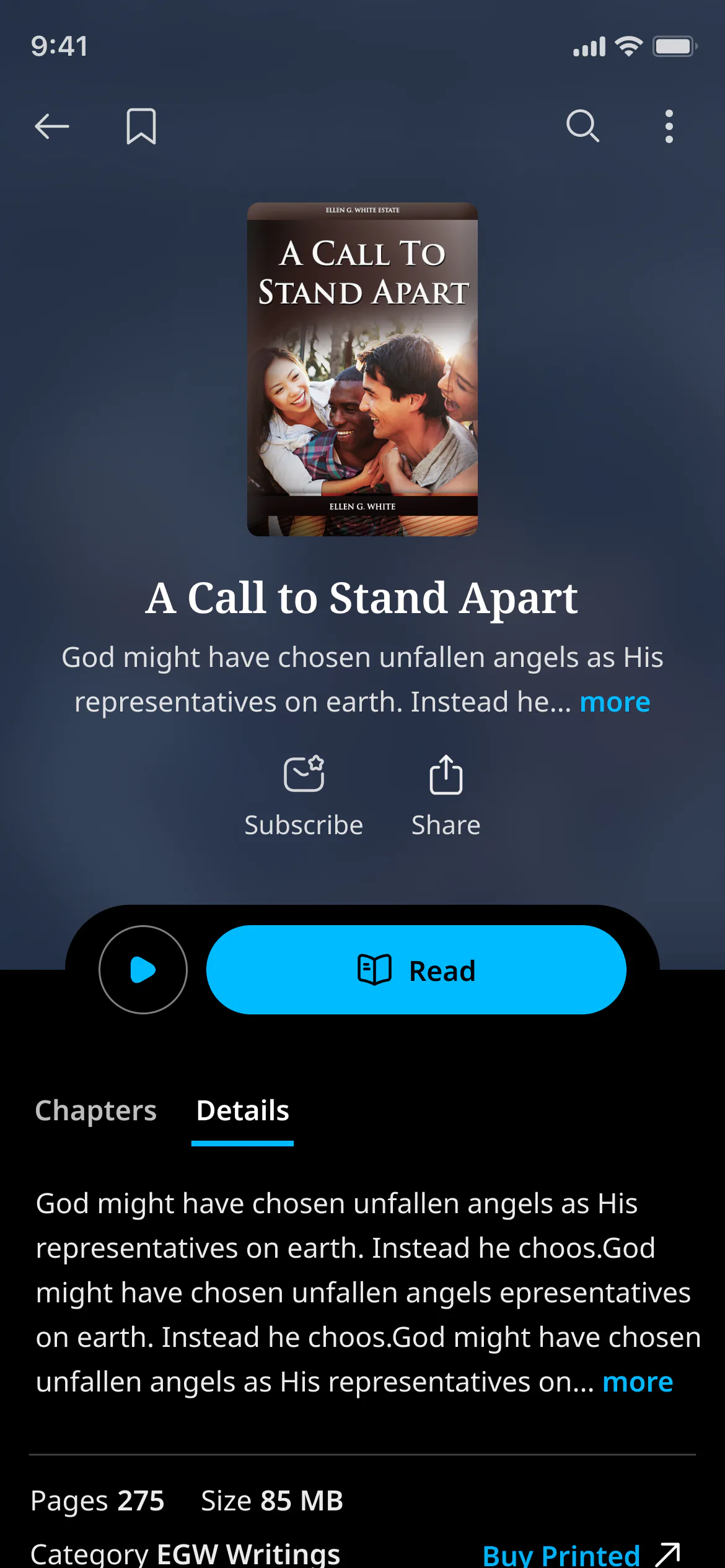
Reading modes
Comfortable for every reader.
The whole app adapts to how and where people read. Each mode was designed screen by screen.
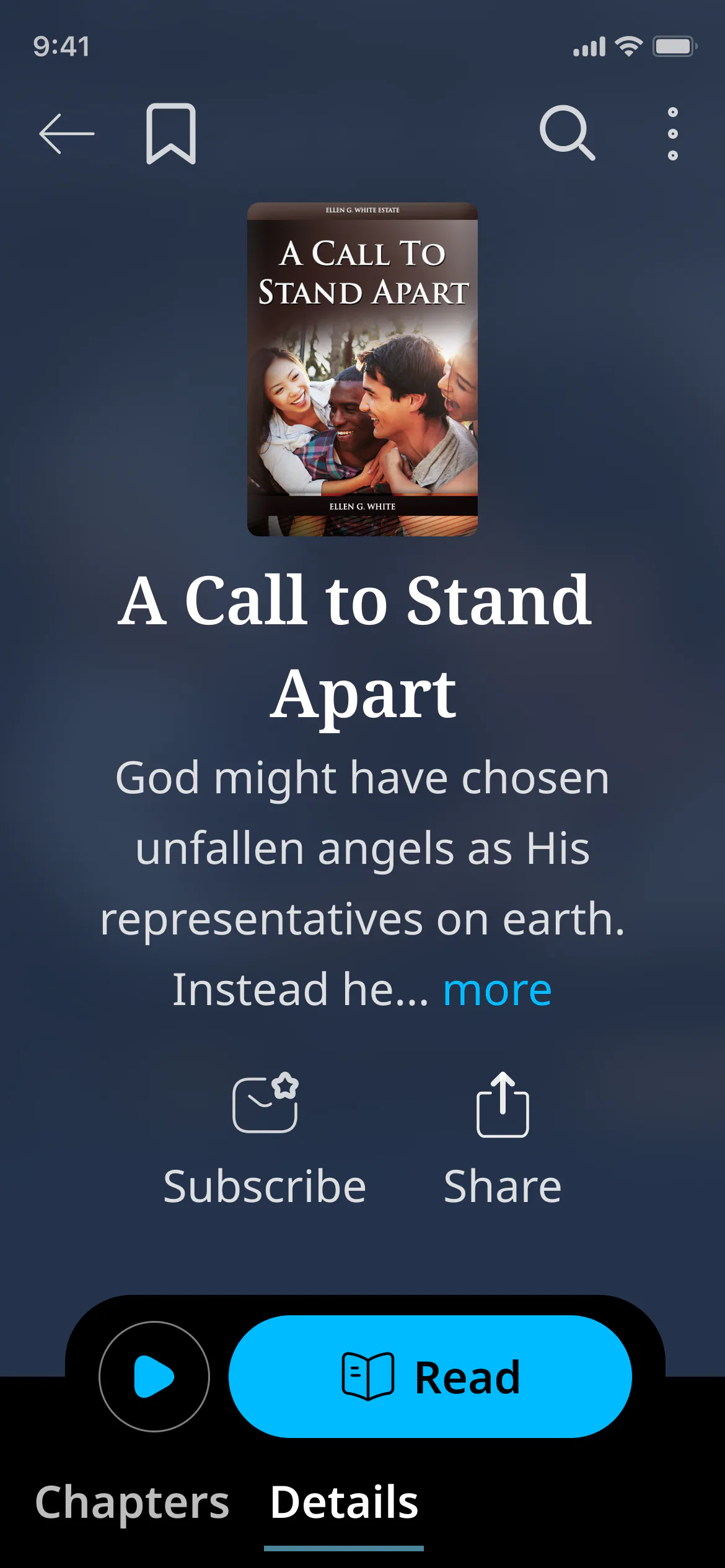
01 / 05
Warm paper for daytime reading.
Soft cream pages and dark ink, close to a printed book.
03 · Search and study
Ask a question. Find the source.
SearchEGW, an AI-powered search, understands keywords and plain questions. Answers come with the passages behind them, and anything worth keeping goes to the study center.
Three ways to search
Auto, question and keyword modes, typed or spoken.
Answers with sources
A summary answer links to the passages it draws on, so readers can check it.
A study center
Notes, highlights, bookmarks and folders, each linked back to its page.
Reflect
A rhythm for devotional life.
Inspirational Moments turn good intentions into a daily rhythm: prayer reminders, Bible and EGW reading goals, weekly progress and a streak to come back to.
Every devotional habit, tracked in one place.
04 · Desktop
Room for deep study. On the desktop.
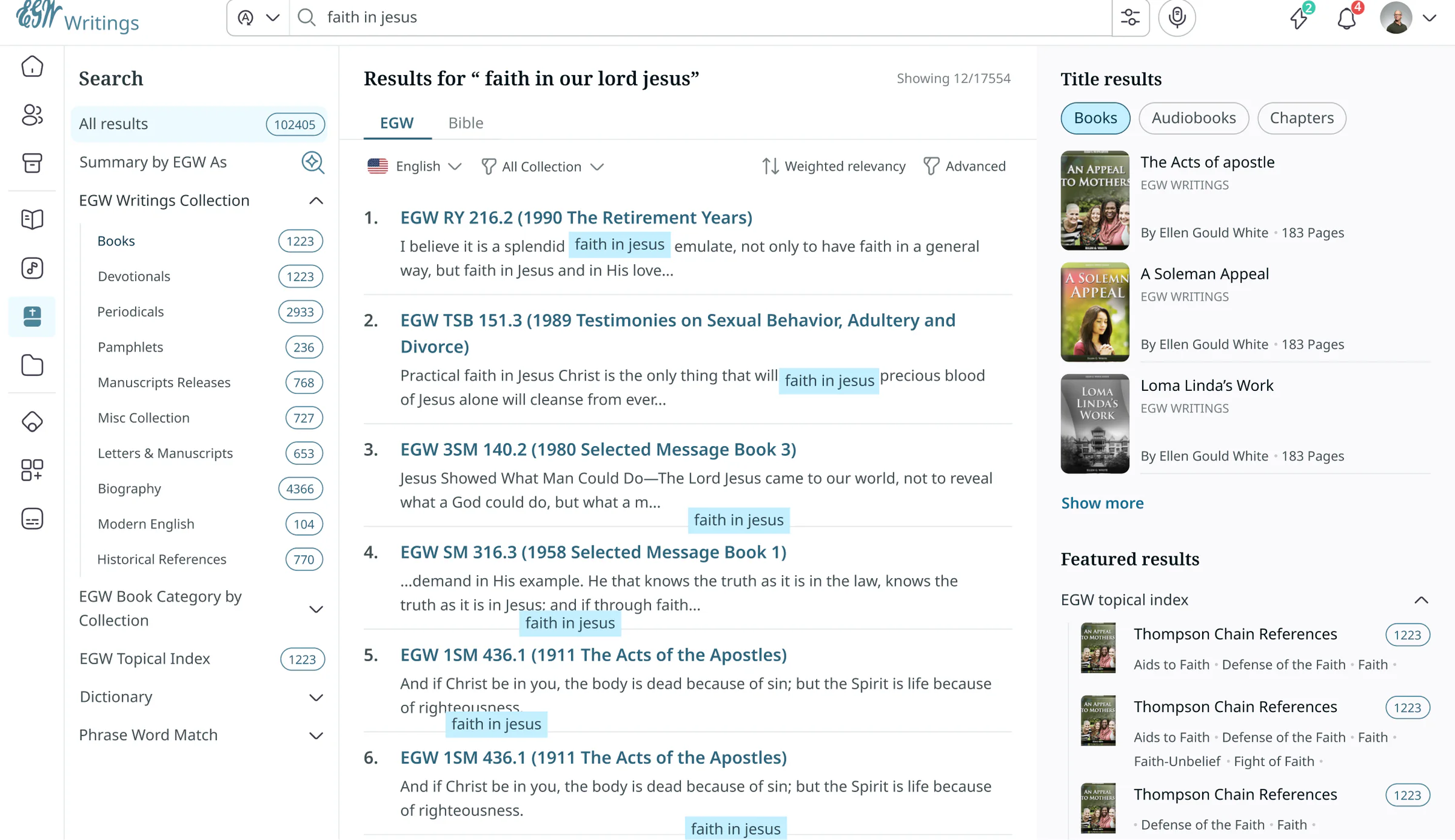
On a larger screen, search becomes research: filters by collection, a reference beside every passage, and books, chapters and audio a click away.
Research-grade search
Filter by collection, book type and topic, with matches highlighted in context.
Everything about a book
Read, listen, download formats and chapters, on one page.
Listening that follows you
The player stays with the reader as they move around the app.
Beyond the phone
Wherever they are, the writings are too.
The same library on the TV, the tablet and the wrist, designed for each device.
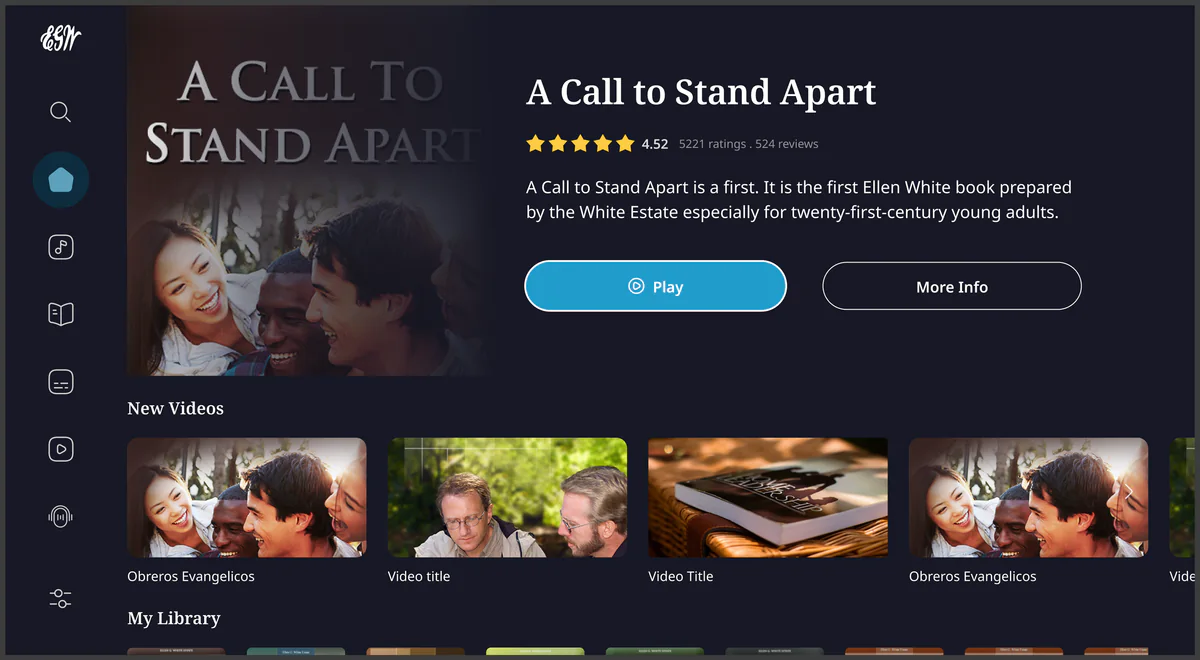
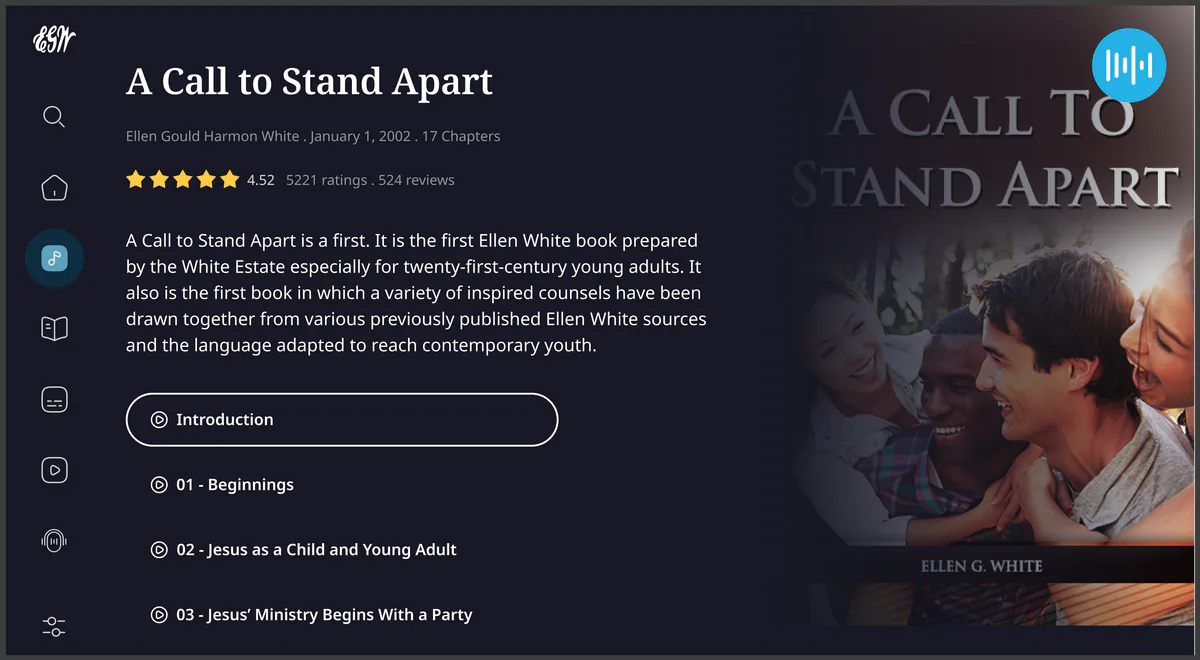
TV
From the couch.
Featured books, videos and audiobooks, built for a remote and a room.
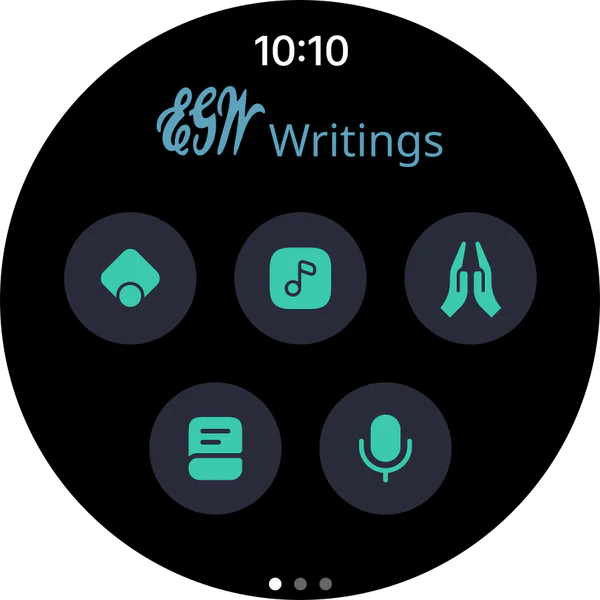
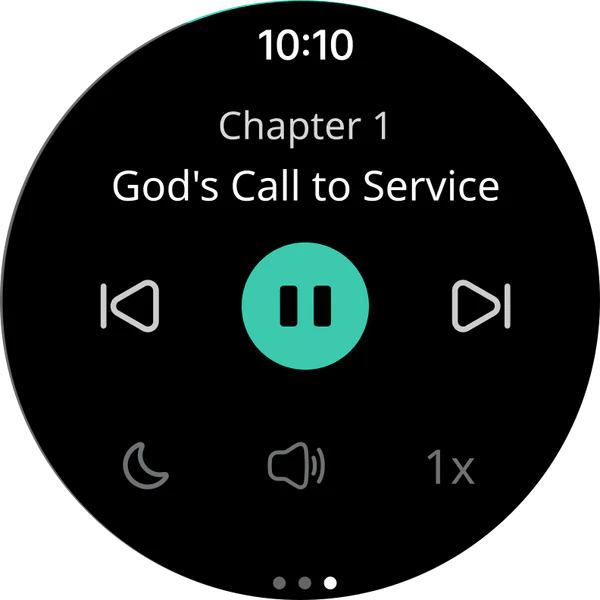
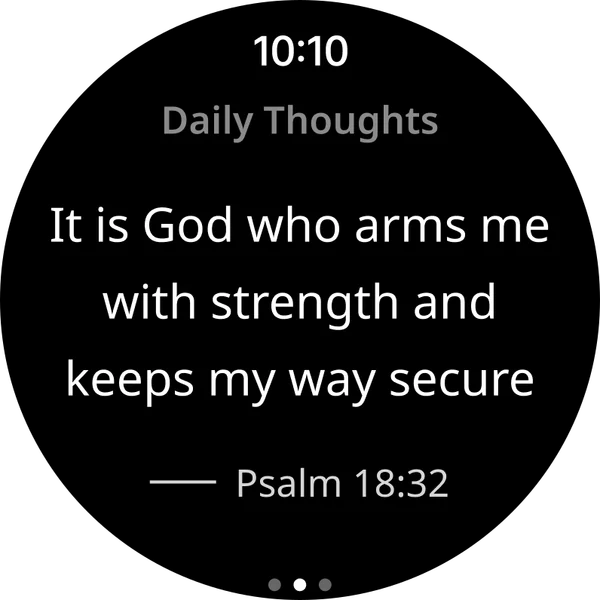
Watch
On your wrist.
Daily thoughts, audio controls and moments, a glance away.
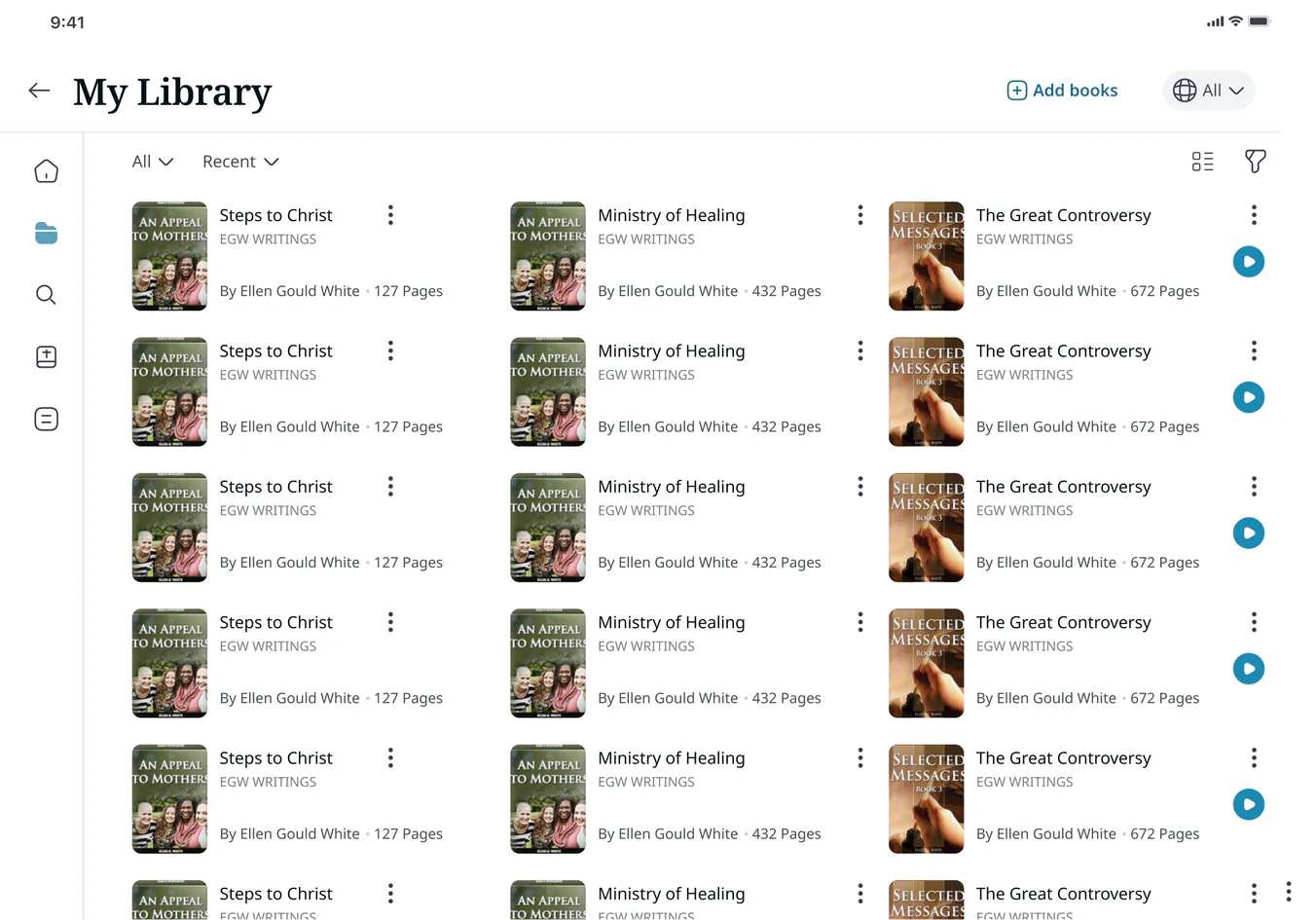
Tablet
Room to study.
Layouts that use the extra space for libraries, side-by-side reading and notes.
Built in
Details that make it personal.
Small decisions that let each reader set the pace, the language and the place they read.
Reading plans
Their pace, delivered.
Readers choose a book, how much to read a day, which days and a delivery time.
Languages
In their own language.
Readers choose the languages for their library and the writings they read.
Offline and downloads
Ready without a signal.
Books save for offline reading, or download as PDF, MP3, ePub and Kindle files.
How we delivered
From vision board to design system.
We started with the White Estate’s goals and the people who read the writings, then prototyped our way to a system that works on five platforms.
Personas, empathy maps and journey maps shaped the information architecture. Low-fidelity prototypes became high-fidelity designs, then reading modes, tablet layouts and the watch and TV apps. A shared design system and a developer handover keep every platform consistent, and a community space for discussion is designed and next on the roadmap.
- Vision
Product vision
Goals and a roadmap
- Research
Personas and empathy
Who reads, and why
- Structure
Journeys and IA
How the library fits together
- Prototype
Low to high fidelity
Flows readers can try
- System
Modes and design system
Every platform, consistent
5 platforms
Phone, tablet, desktop, watch and TV, from one library.
5 modes
Light, dark, dawn, high contrast and accessible.
1 system
A shared design system, so every screen feels like the same app.
Your next chapter

