


The challenge
Make centuries of history feel close enough to touch.
Lineage Journey makes history relevant and accessible to people of all ages. The app had to work for a five-minute listen on the way to work and for an evening of study.
What we did
- Mapped every flow, from first launch to the final quiz
- Designed listening with read-along, voices and music
- Opened each chapter up into eight ways to explore
- Built study tools: guides, devotionals and highlights
- Designed every screen in light and dark mode
Listen. Read. Explore. Study.
Four ways in. One story.
- 01
Listen
Narrated chapters, with music and a choice of voice.
- 02
Read
Read along as it plays, or on its own.
- 03
Explore
Videos, people, maps, 3D and facts.
- 04
Study
Guides, devotionals and a quiz.
History shouldn’t feel like homework. It should feel like a journey.
01 · Listen and read
Press play on history.
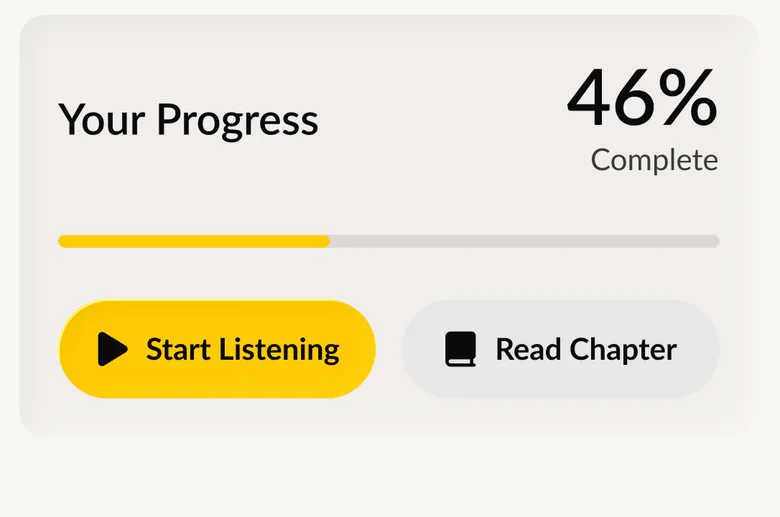
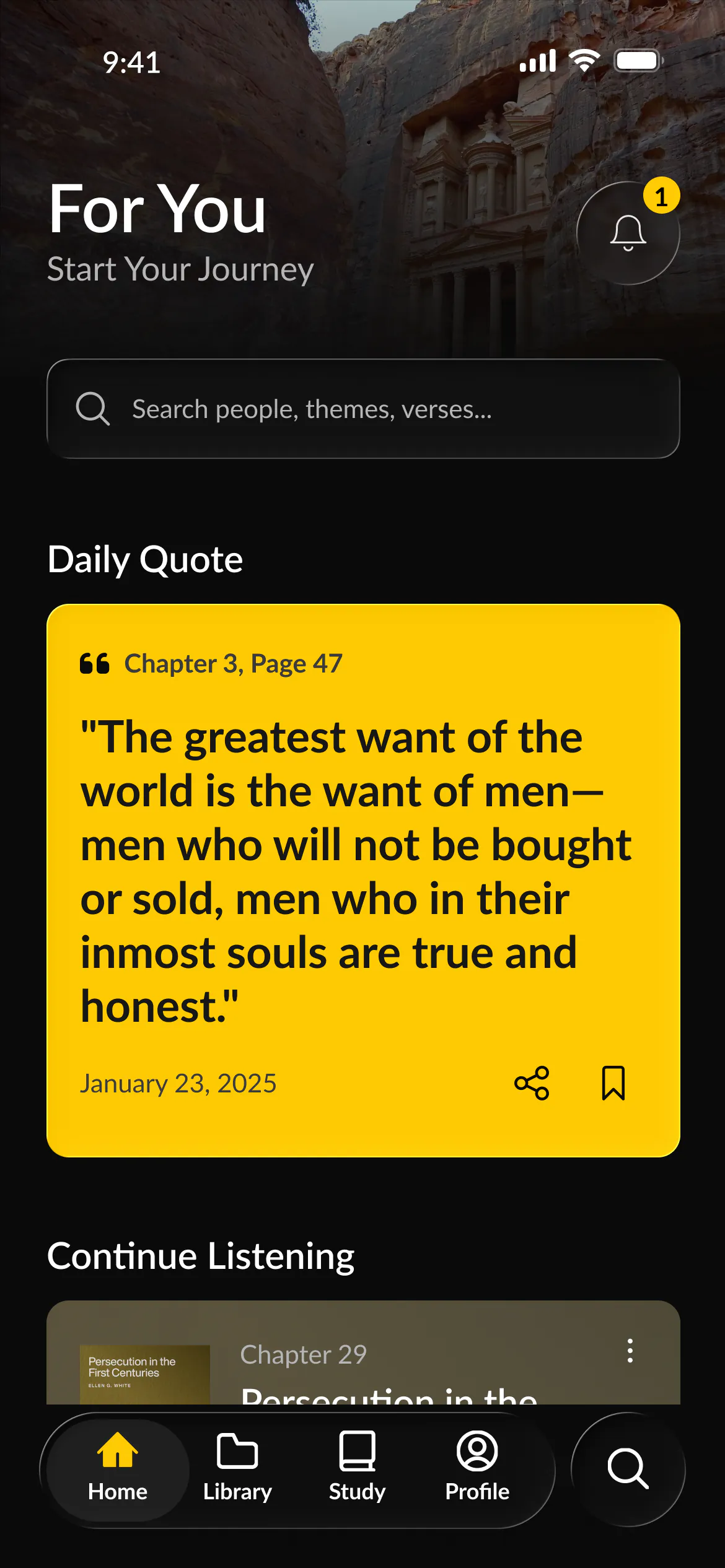
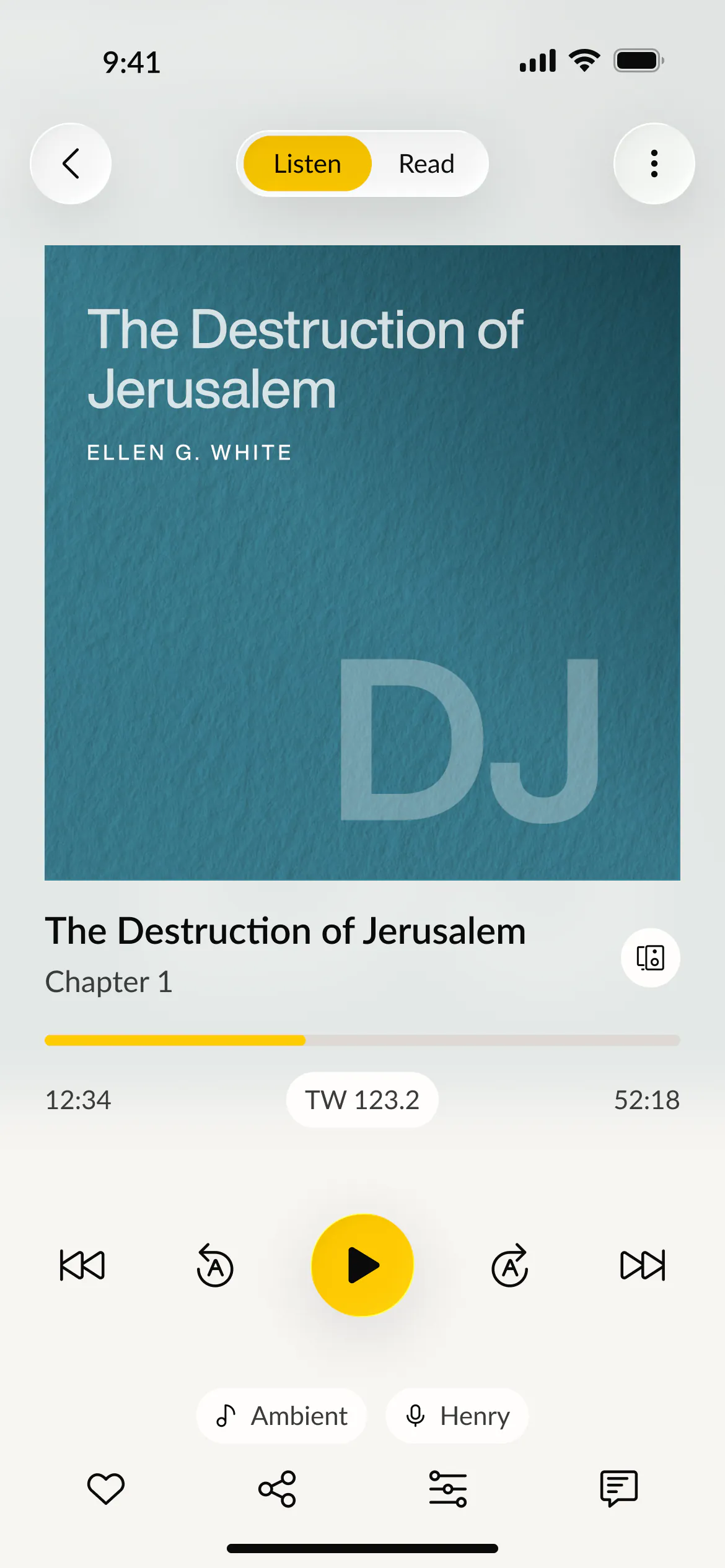
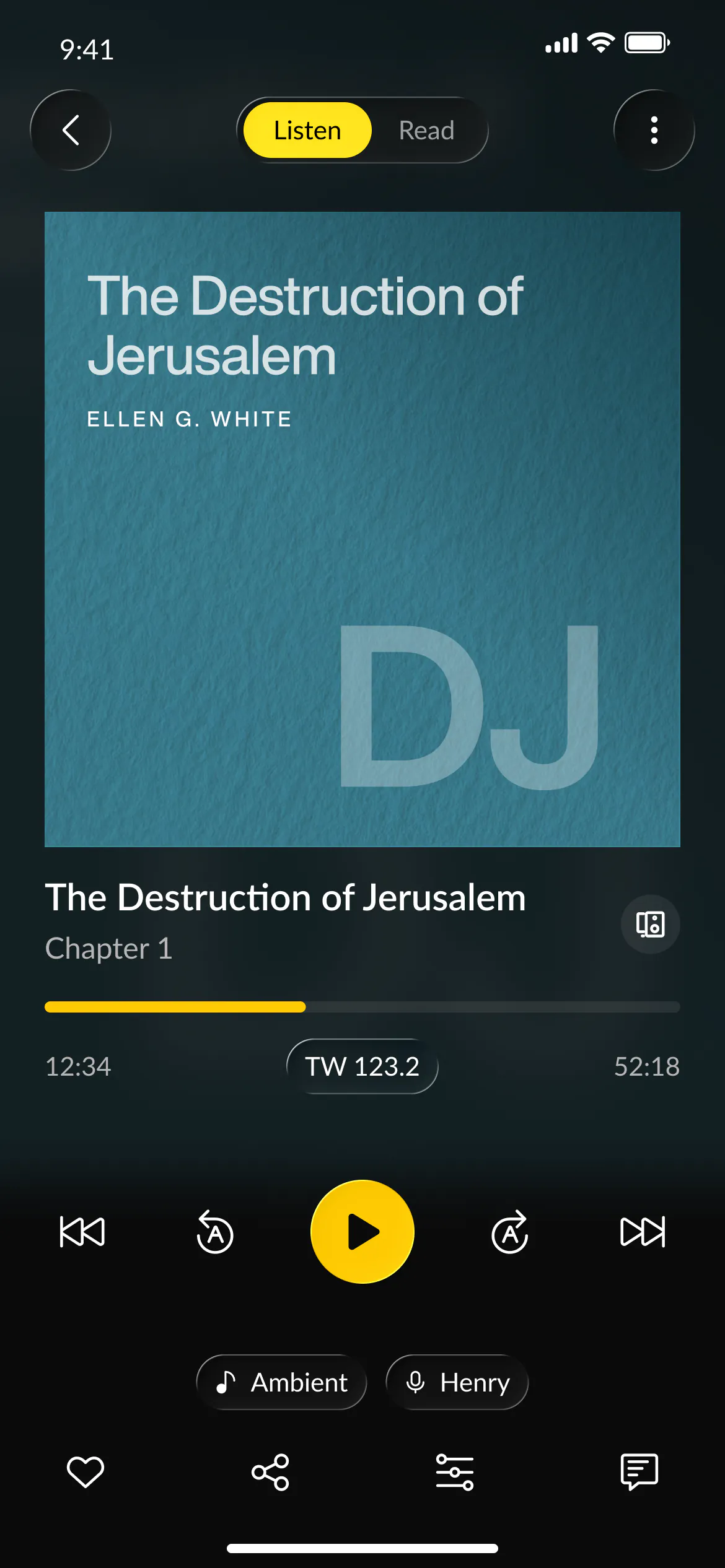
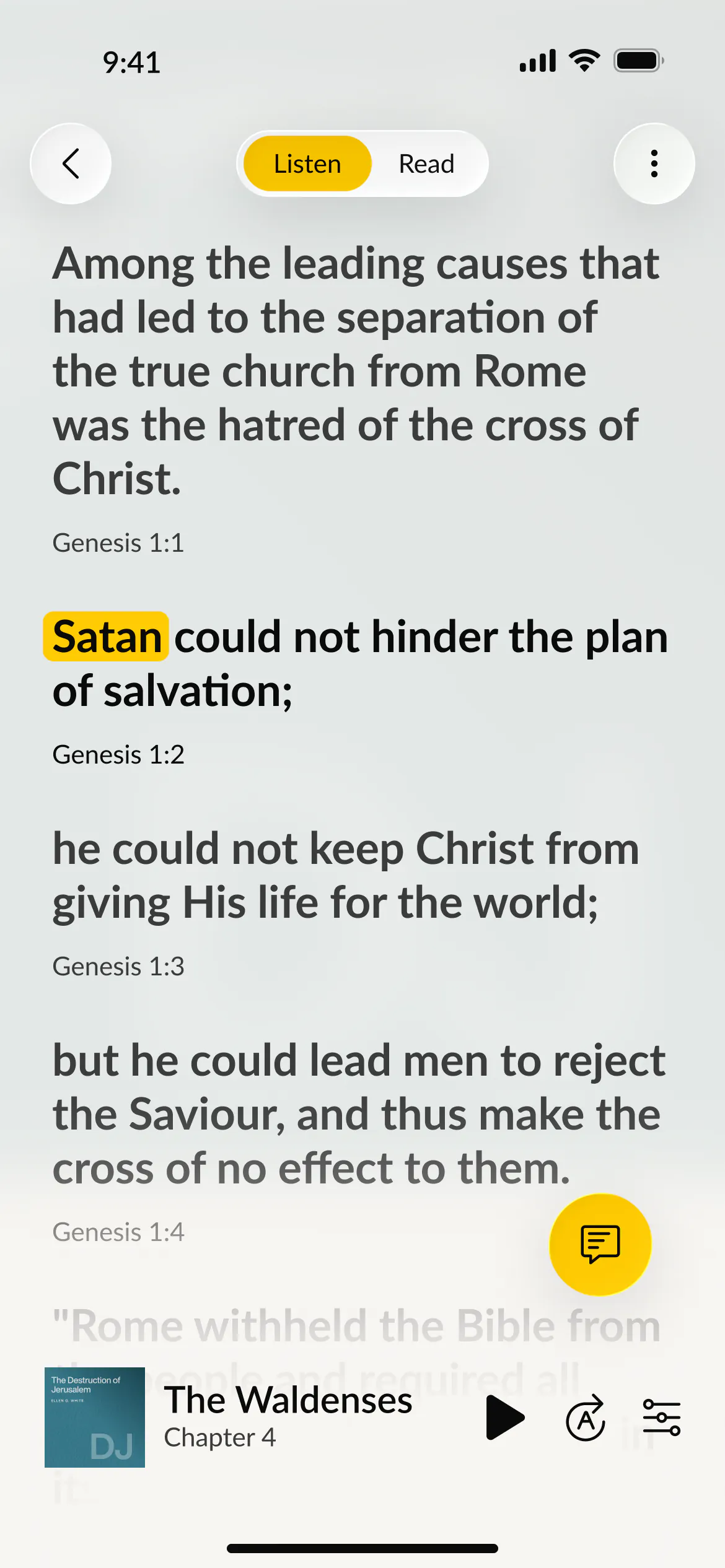
Every chapter is narrated. Readers can follow the words as they are read, then keep listening anywhere in the app.
- Read along
- Choice of narrator
- Background music
- Sleep timer
- Text size
- Mini player
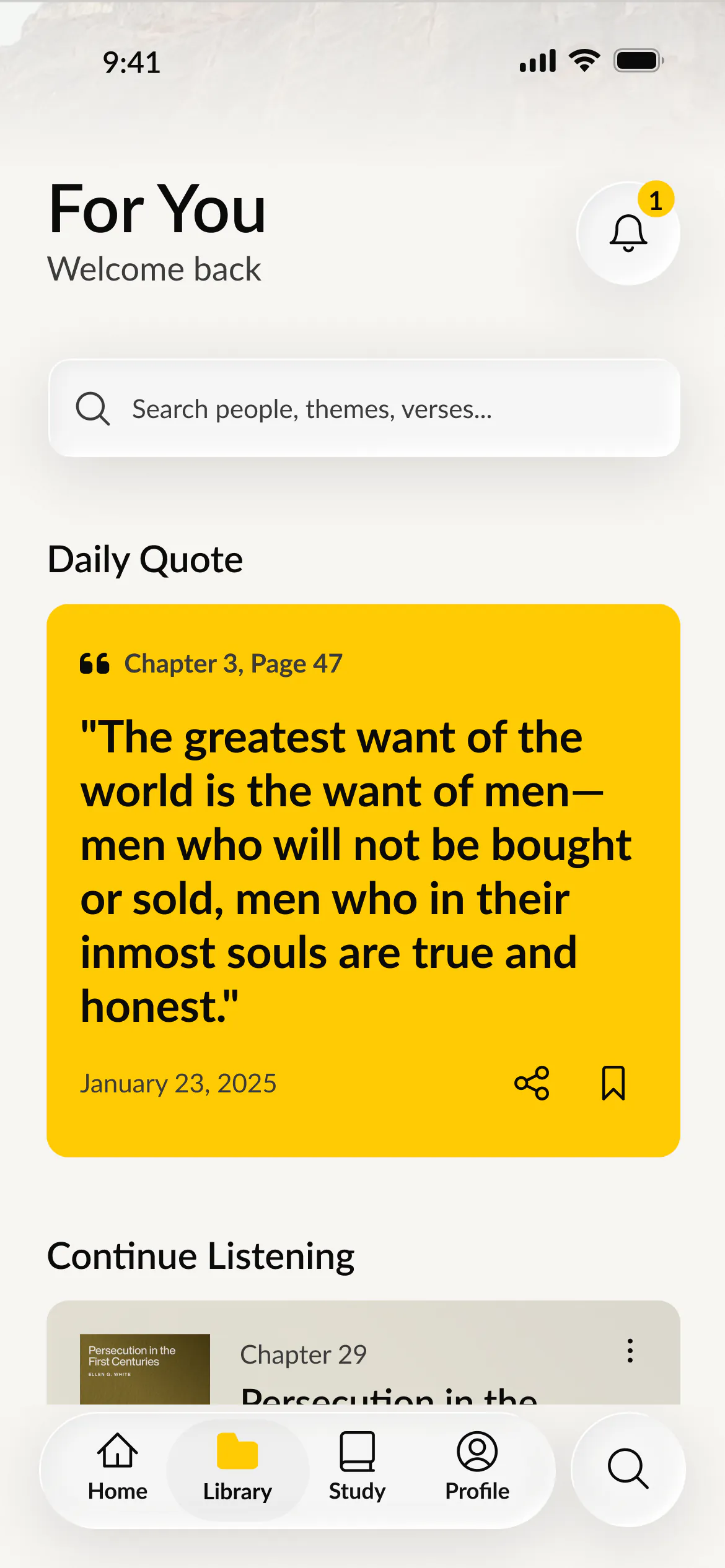
Light and dark
Day or night, easy on the eyes.
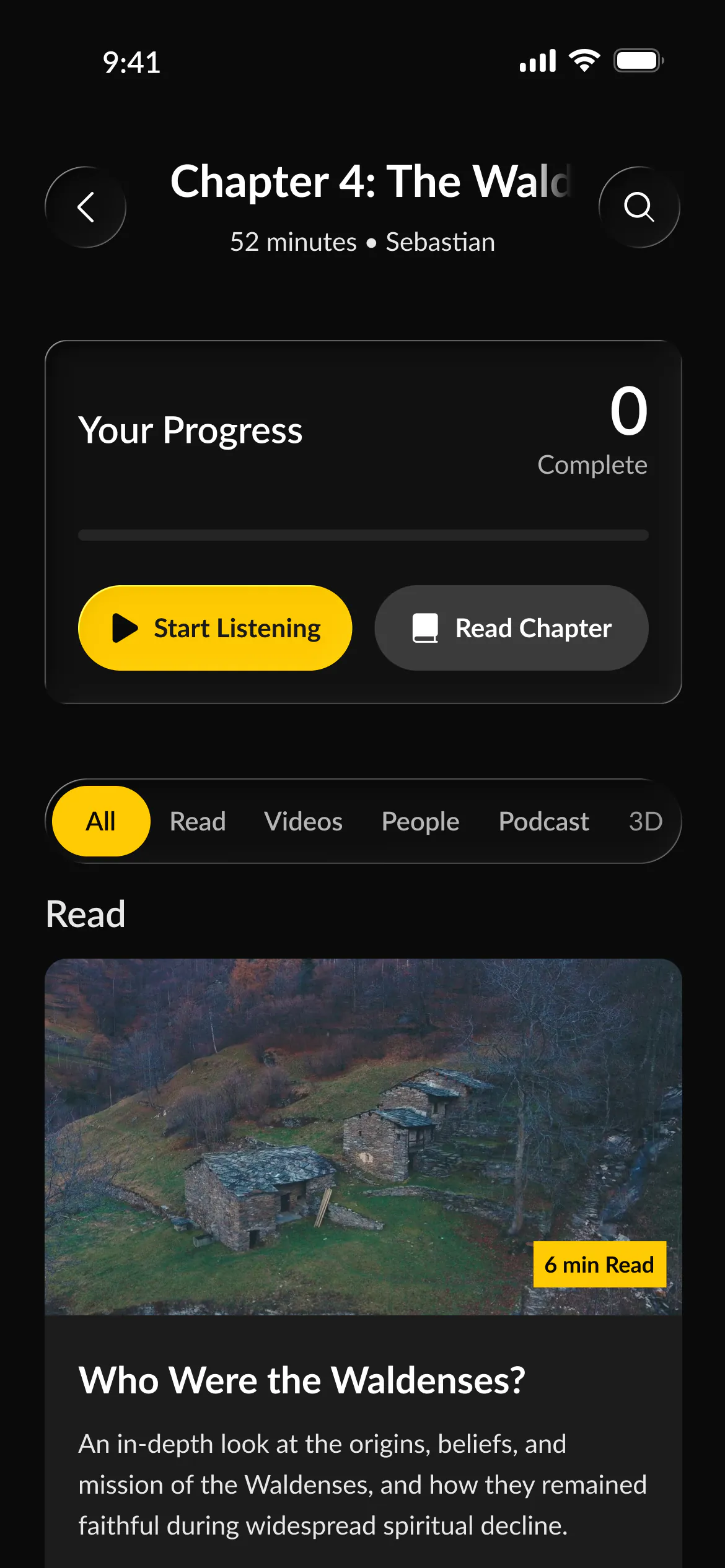
Every screen was designed twice. Drag across the phone to compare.
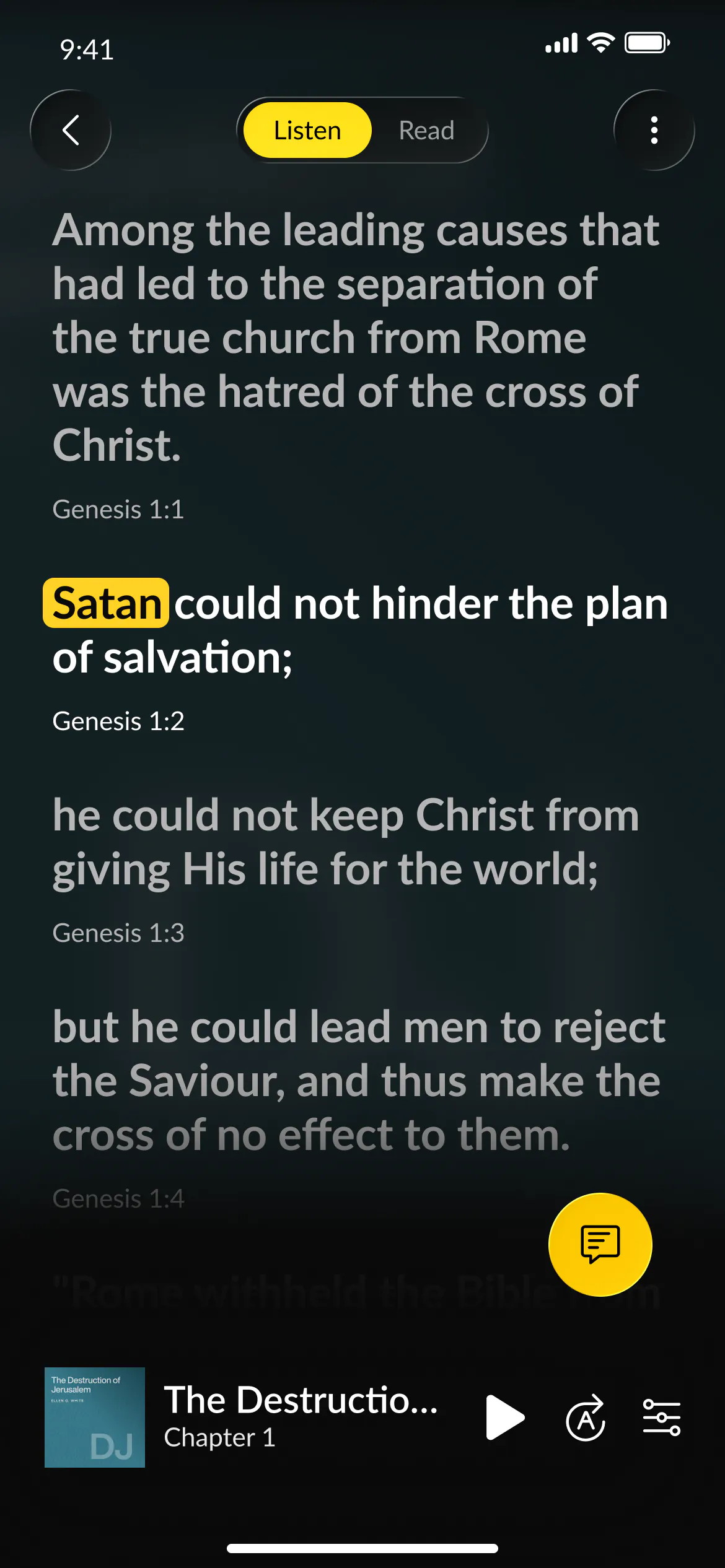
02 · Explore a chapter
One chapter. Many ways in.
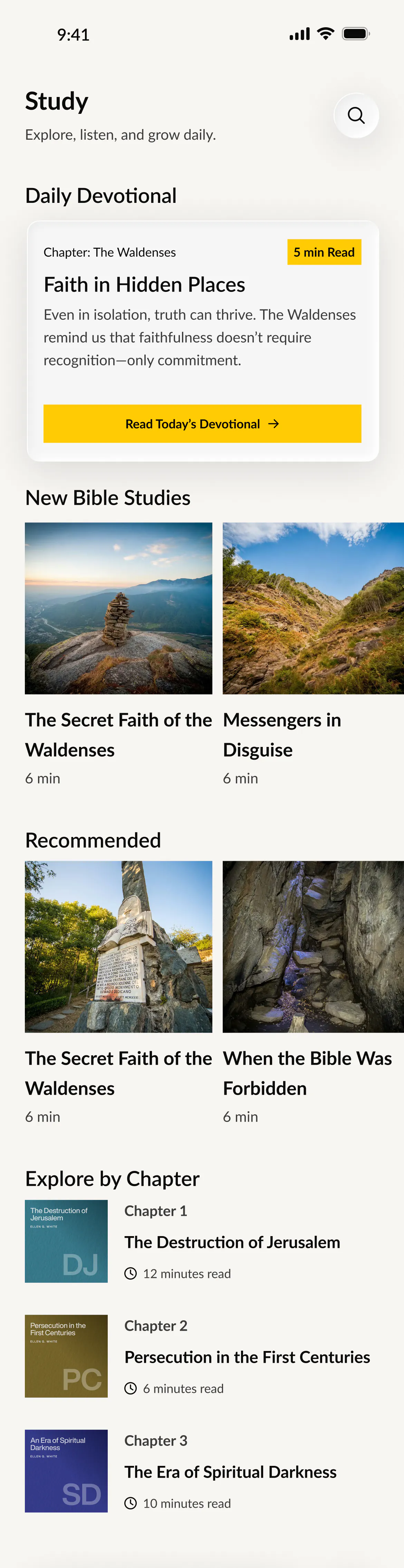
Each chapter opens up into articles, videos, the people who lived it and the places it happened.
- Articles
- Videos
- People
- Podcasts
- 3D
- Maps
- Facts
- Quiz
Inside every chapter
Eight ways into the story.
- 01Read
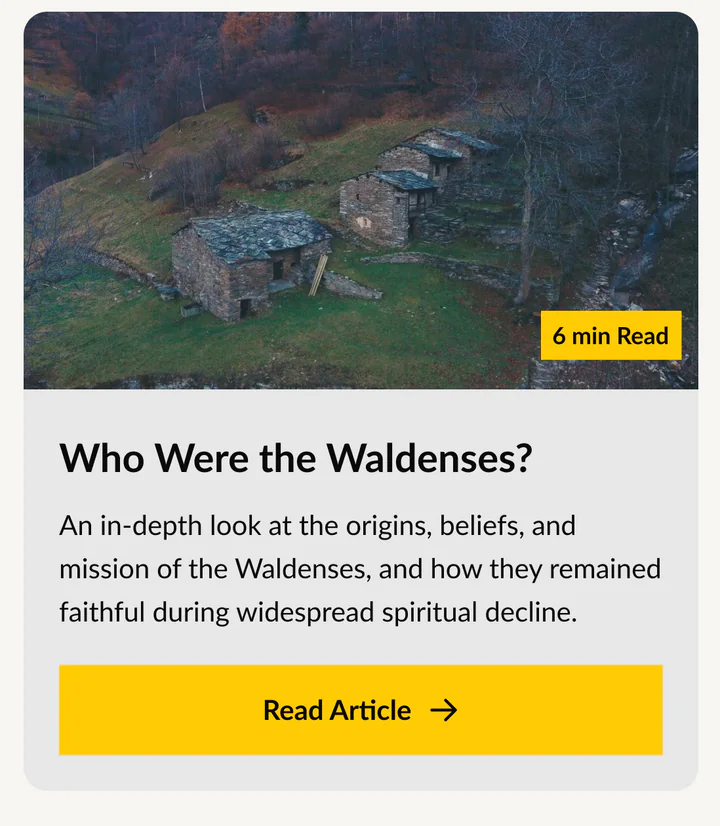 Illustrated articles
- 02Videos
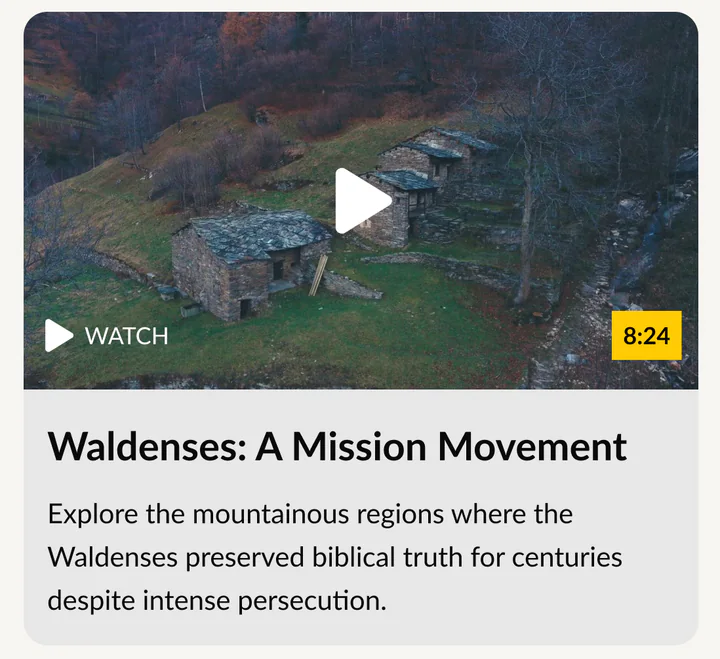 Short films on location
- 03People
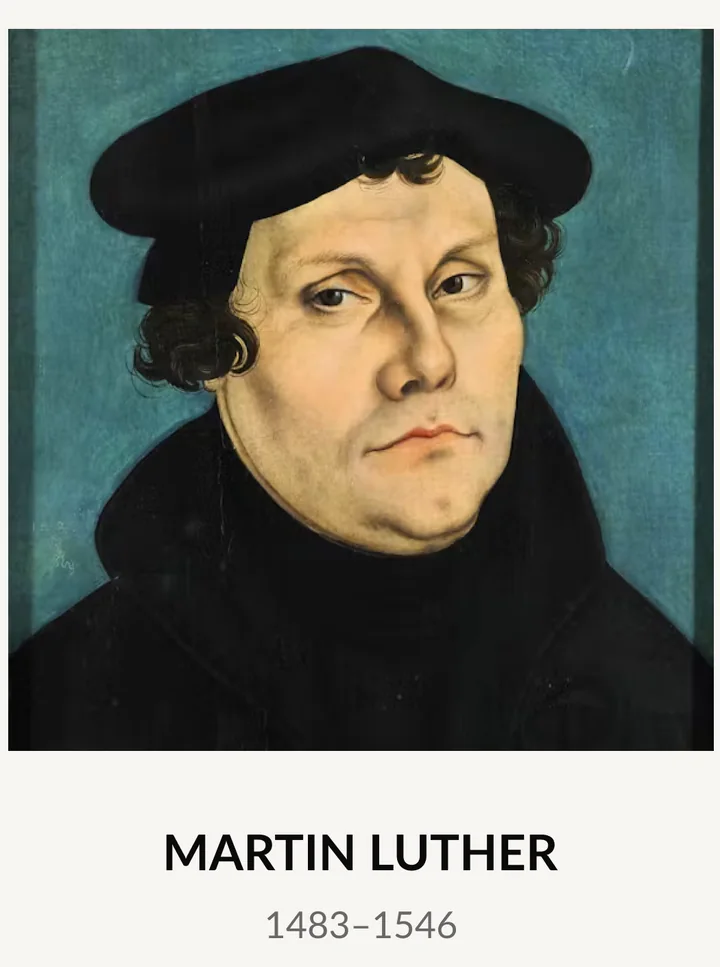 A life story for each
- 04Podcasts
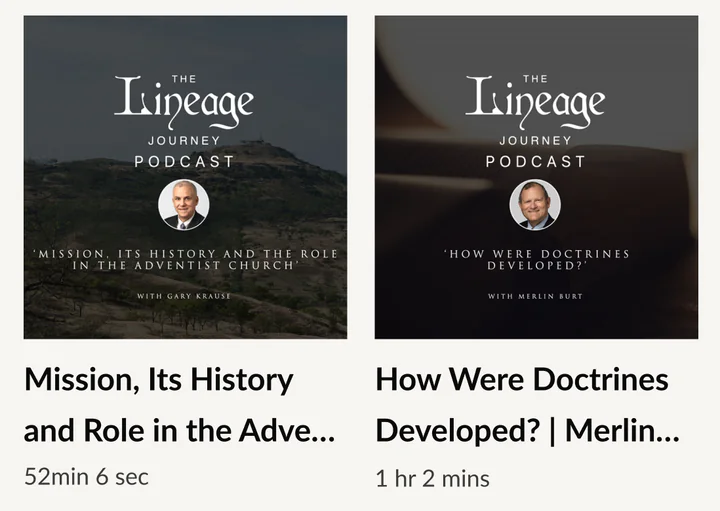 Conversations to go deeper
- 053D
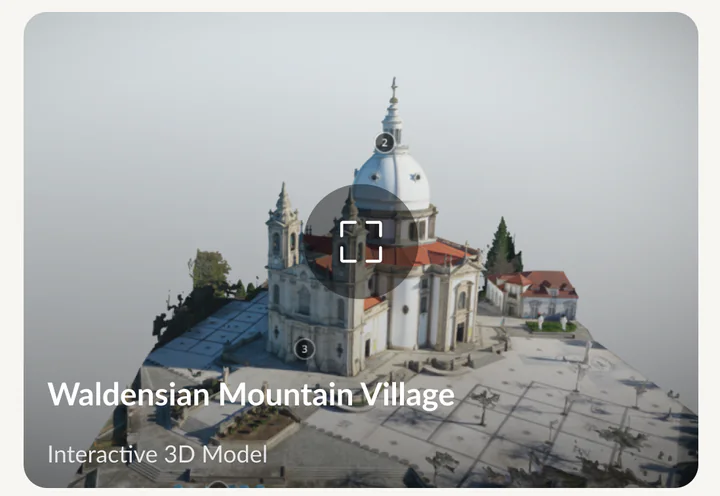 Places to explore in 3D
- 06Maps
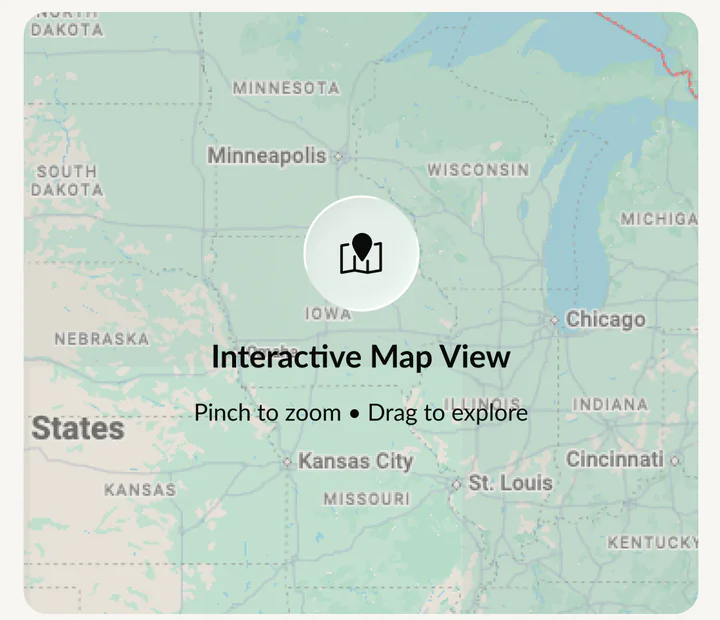 Pinch, zoom and drag
- 07Facts
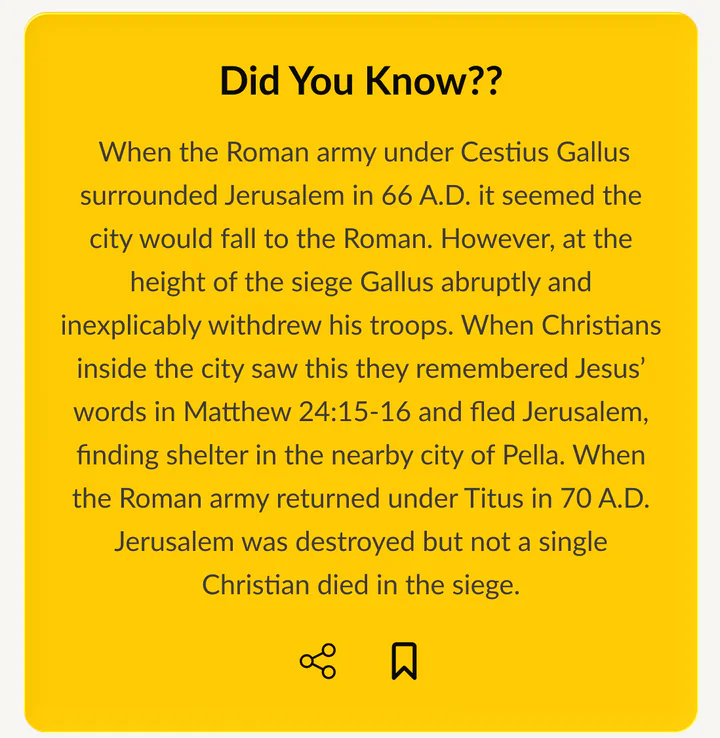 Did you know?
- 08Quiz
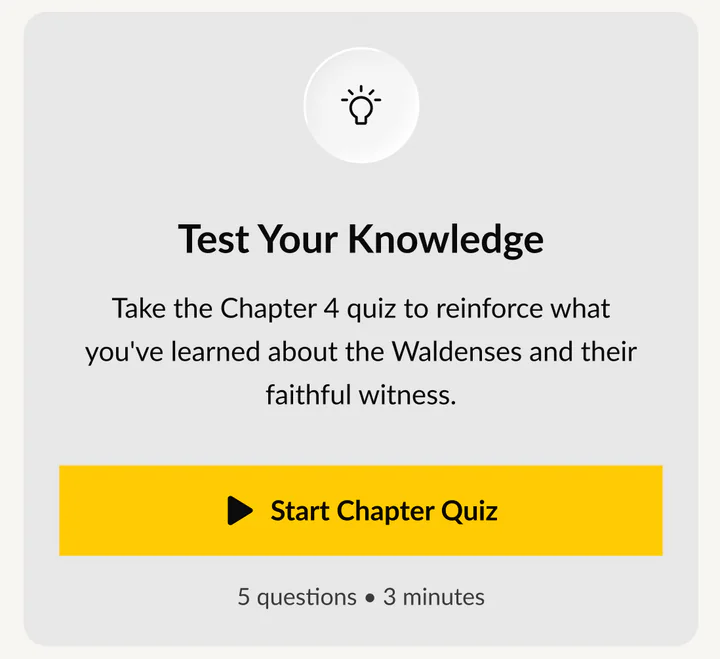 Test what you learned
03 · Study
Go deeper. Then test it.
Bible study guides, daily devotionals, highlights and a short quiz turn listening into learning.
- Bible study guides
- Daily devotional
- Highlights
- Chapter quiz
First launch
Their pace, from day one.
A short setup picks the narrator, the daily time and the reminders.
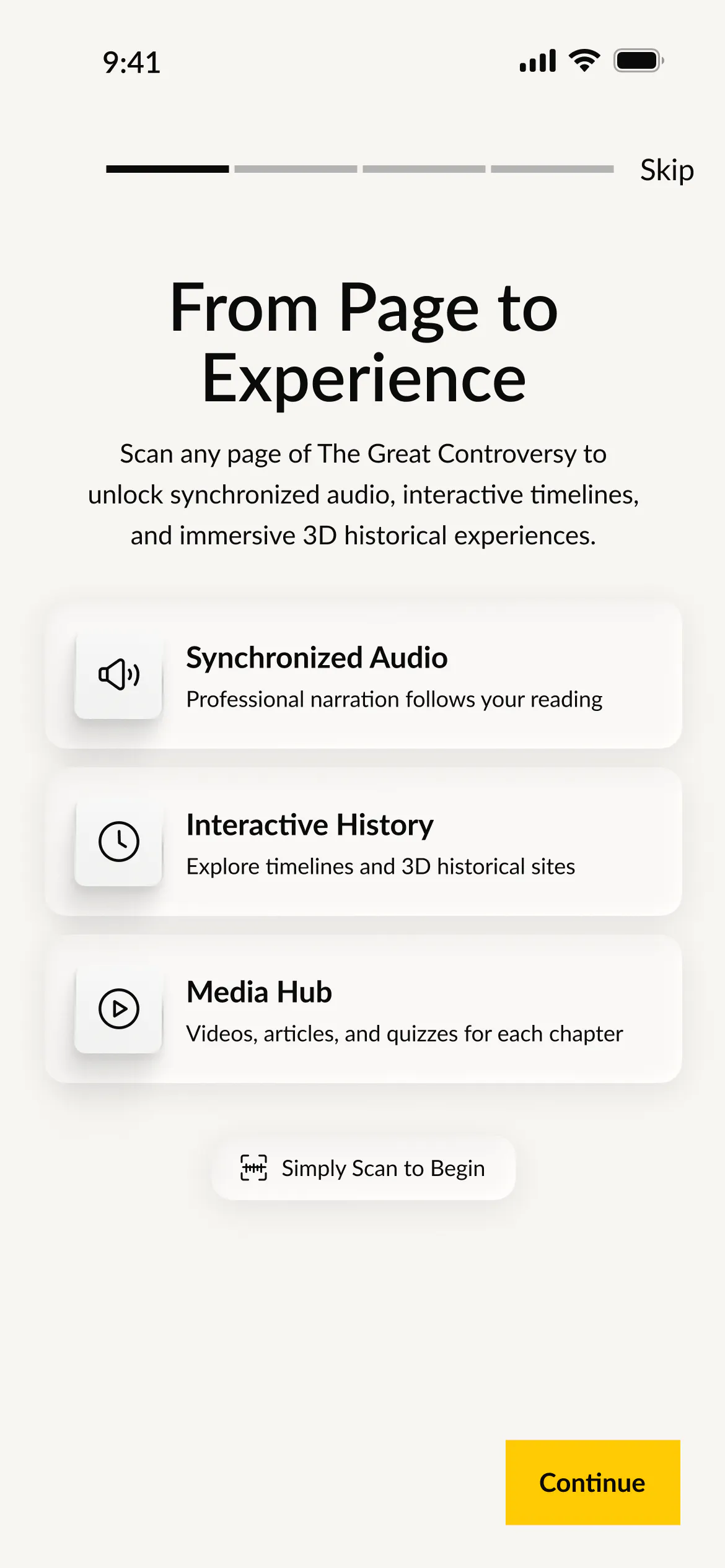
01Scan a page to begin
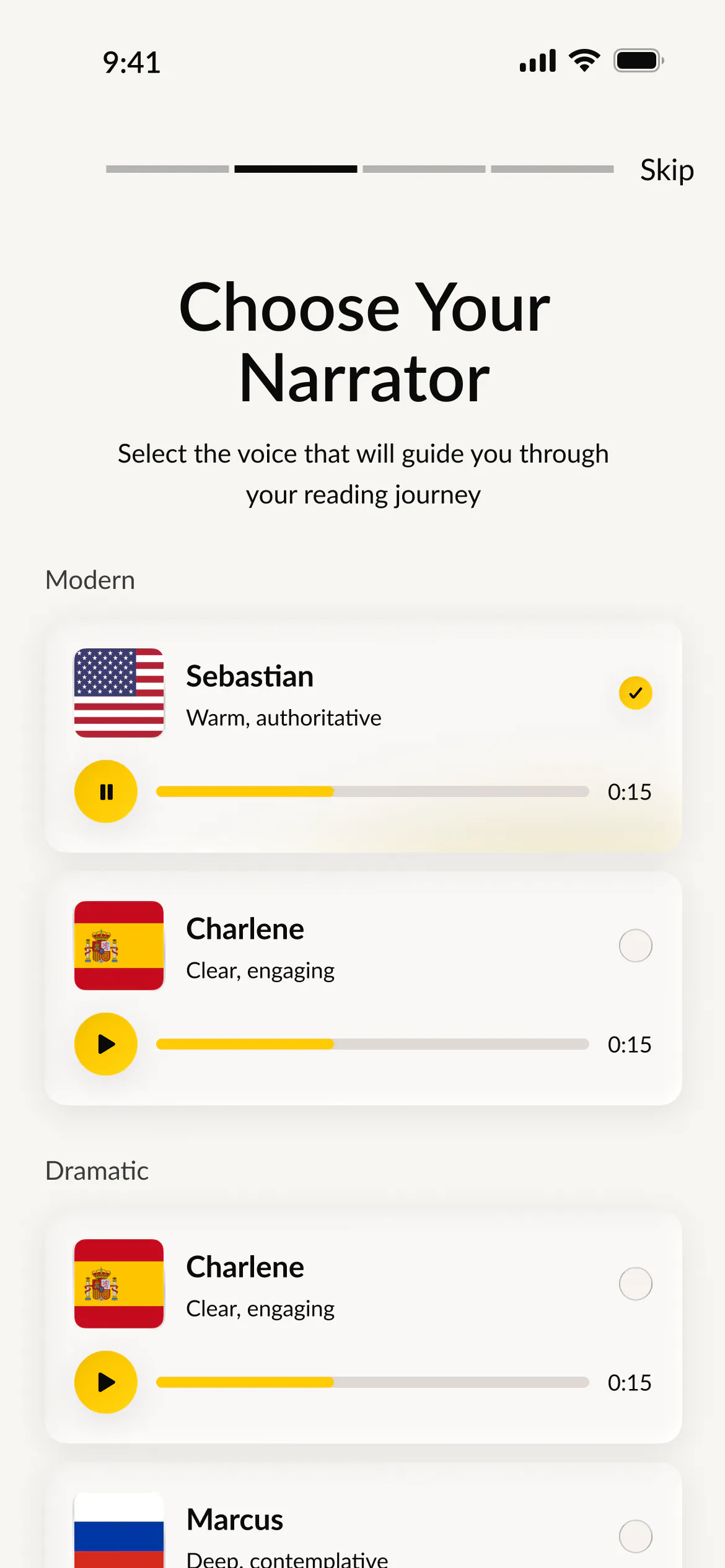
02Choose a narrator
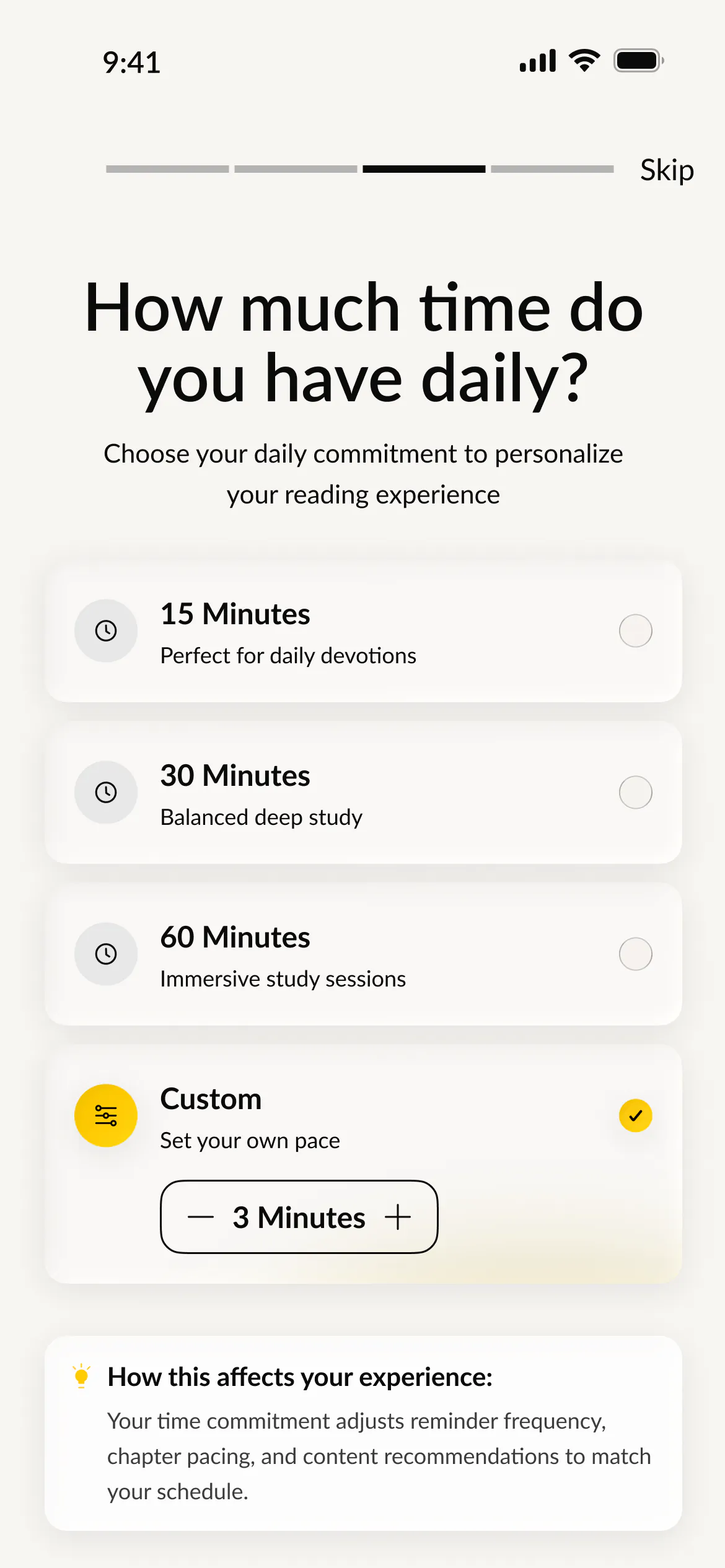
03Set a daily time
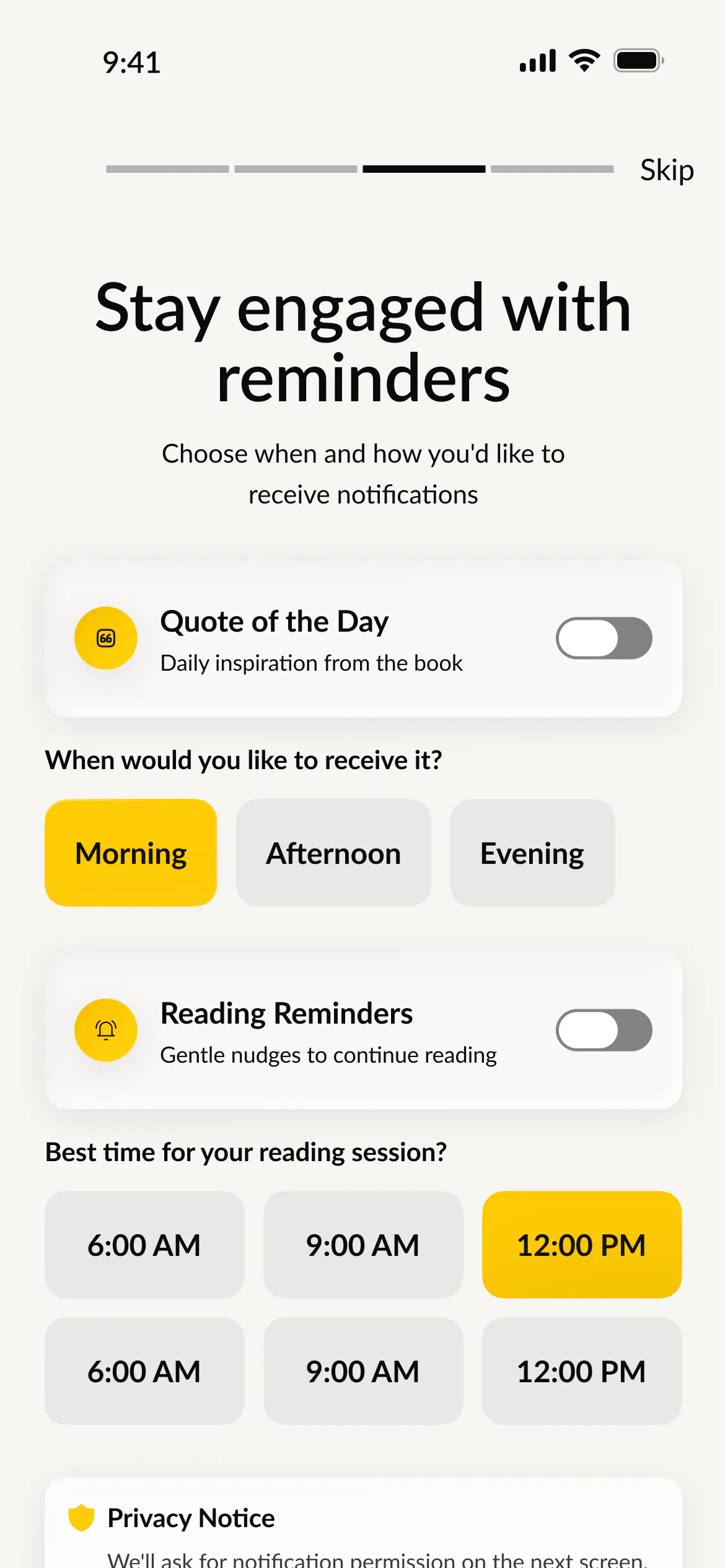
04Pick the reminders
Built in
A library that travels with you.
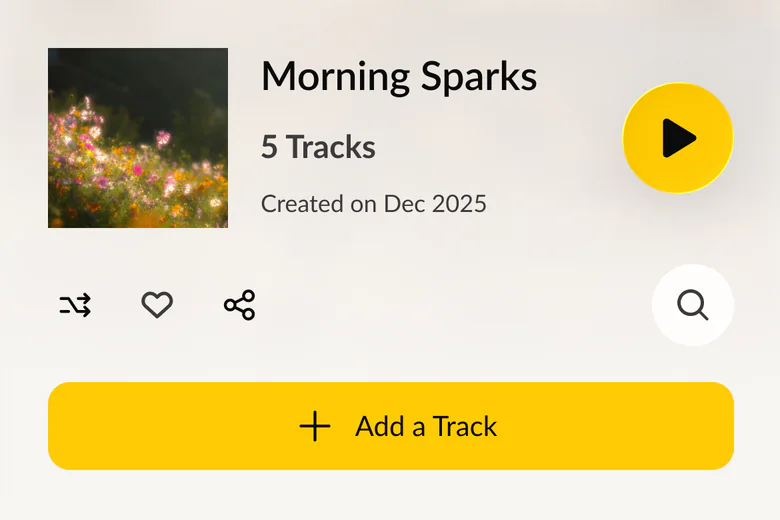
Playlists
Chapters, in their order.
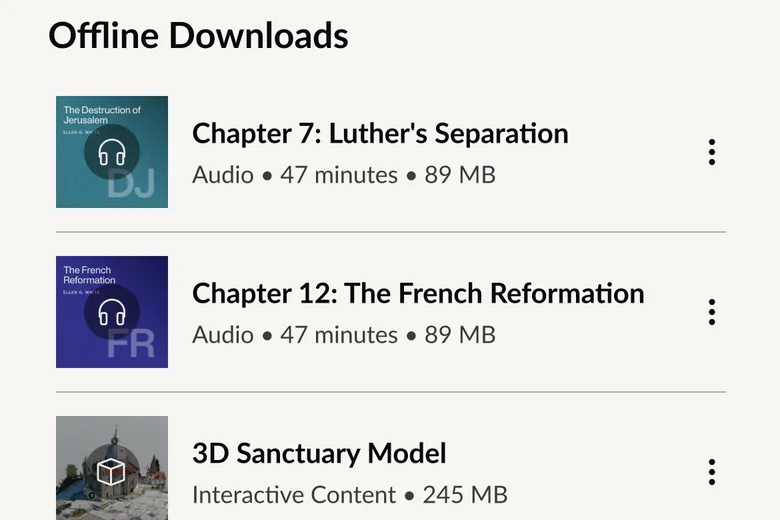
Offline
Ready without a signal.
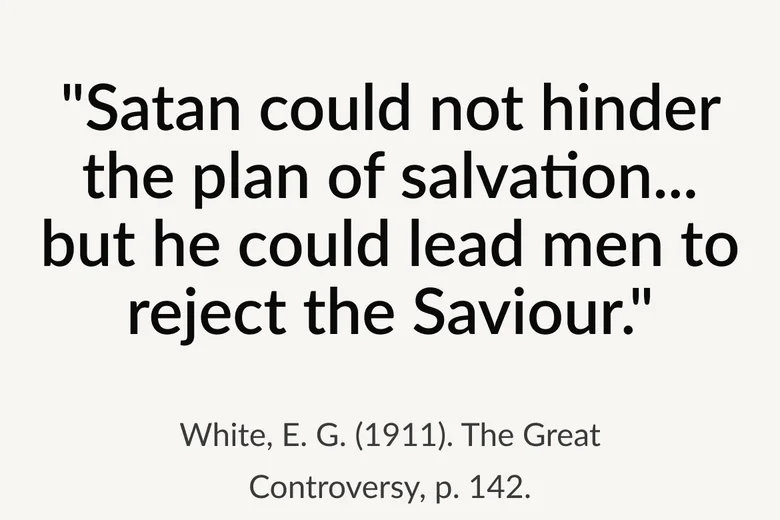
Citations
Copy with the reference.
How we delivered
From wireframe to prototype.
We mapped every flow first, set the style guide, then designed each screen in light and dark before tying it all together in a clickable prototype.
- Map
Flows and wireframes
Every path through the app
- Design
Style guide
Type, color and components
- Build out
High fidelity
Light and dark, screen by screen
- Prove
Prototype
Clickable flows to review
- Extend
Tablet and desktop
The same journey, bigger
8 ways
into every chapter.
12 flows
From sign-in to the timeline.
2 themes
Light and dark, on every screen.
Your next chapter

