

The challenge
One website for the family deciding, and the family already here.
Families new to Village need to see the school, the people and the next step. Current families need the calendar, the portal and the school’s resources, fast, on whatever screen is in hand.
What we did
- Rebuilt the site around a family’s questions
- Put faith, learning and people on the first screen
- Laid out admissions as three clear steps
- Programs laid out, with a picker to plan the school year
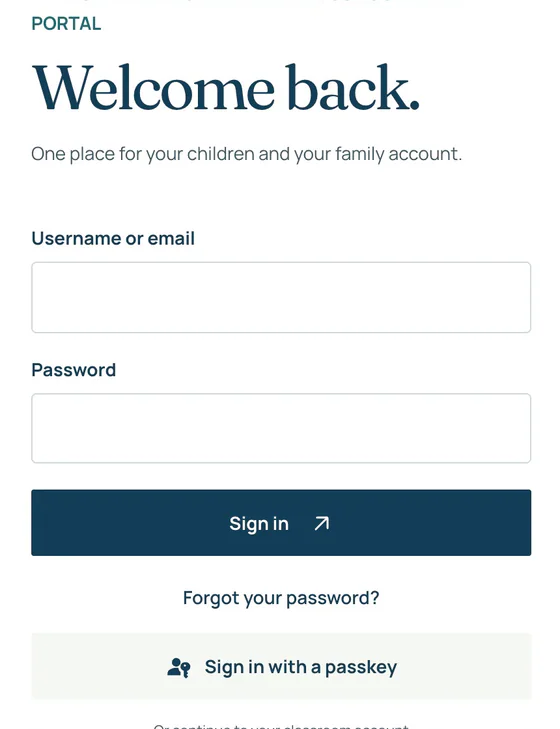
- Gave current families a parent hub, a calendar and a sign-in
- Designed it phone first, then scaled it up
Discover. Apply. Plan. Stay close.
A path for every family.
- 01
Discover
Faith, learning and the people.
- 02
Apply
Three steps, from curious to connected.
- 03
Plan
Programs and assistance, explained.
- 04
Stay close
Calendar, portal and parent hub.
A school website should feel like a first visit.
Before and after
From a wall of text to a clear path.
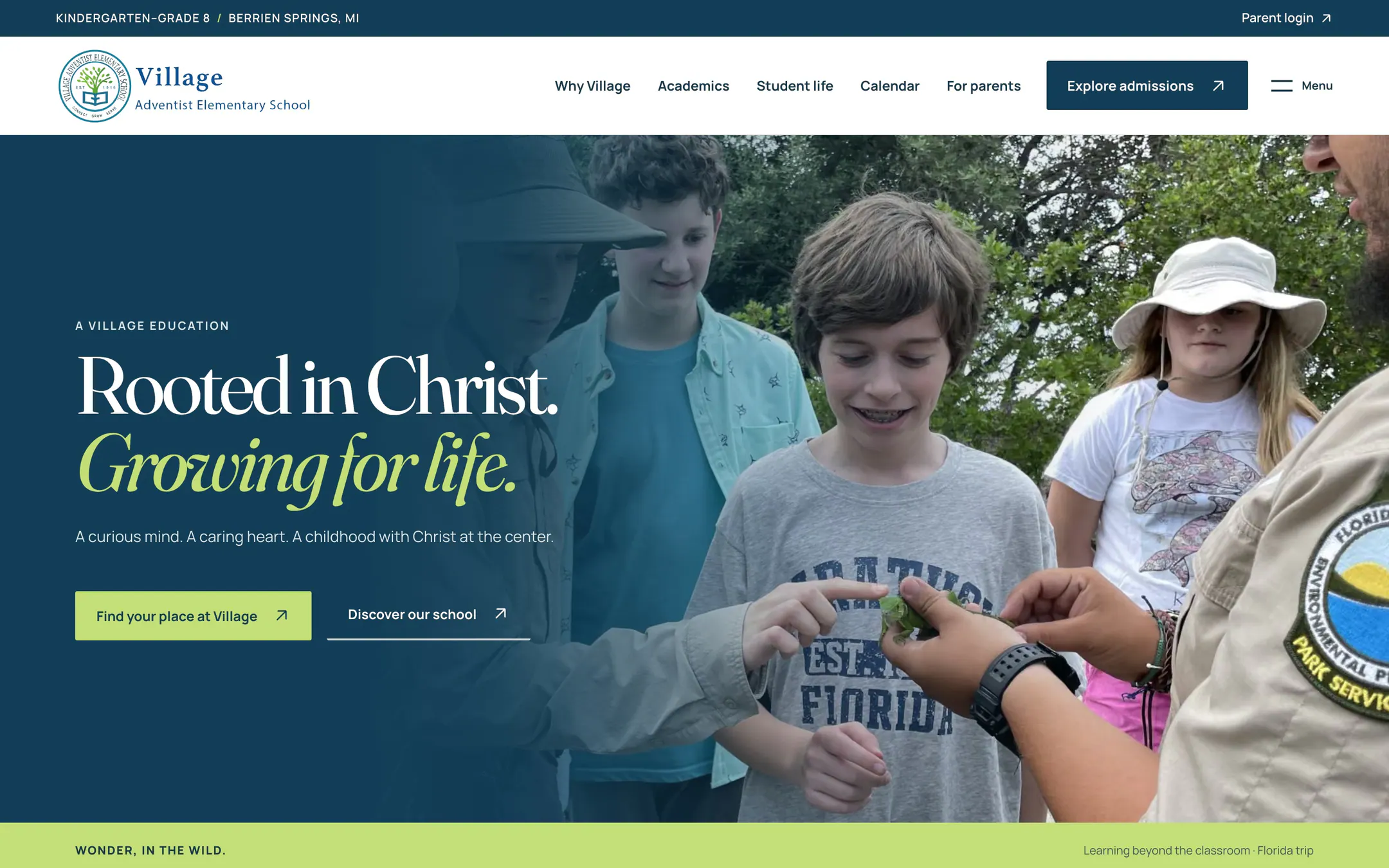
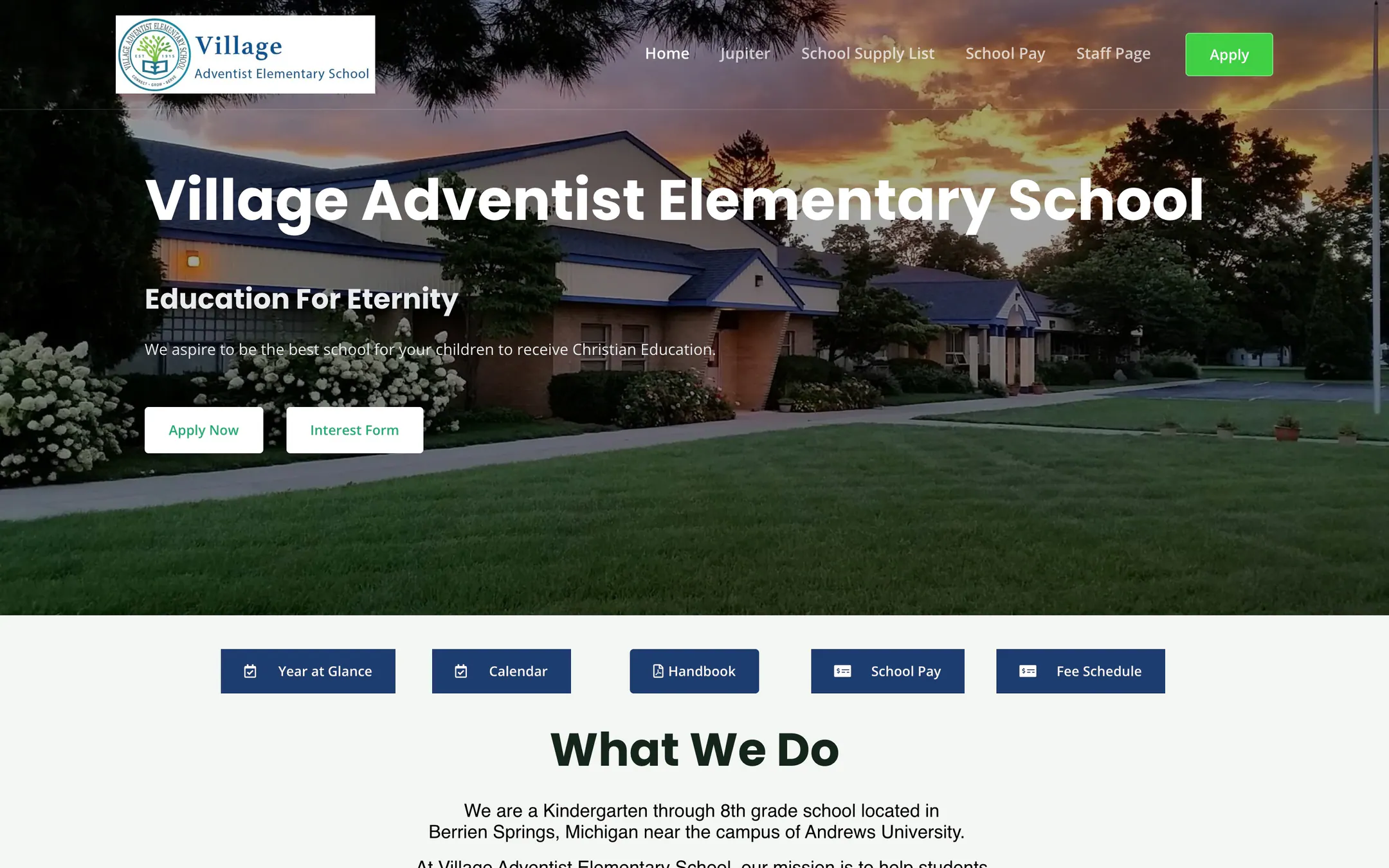
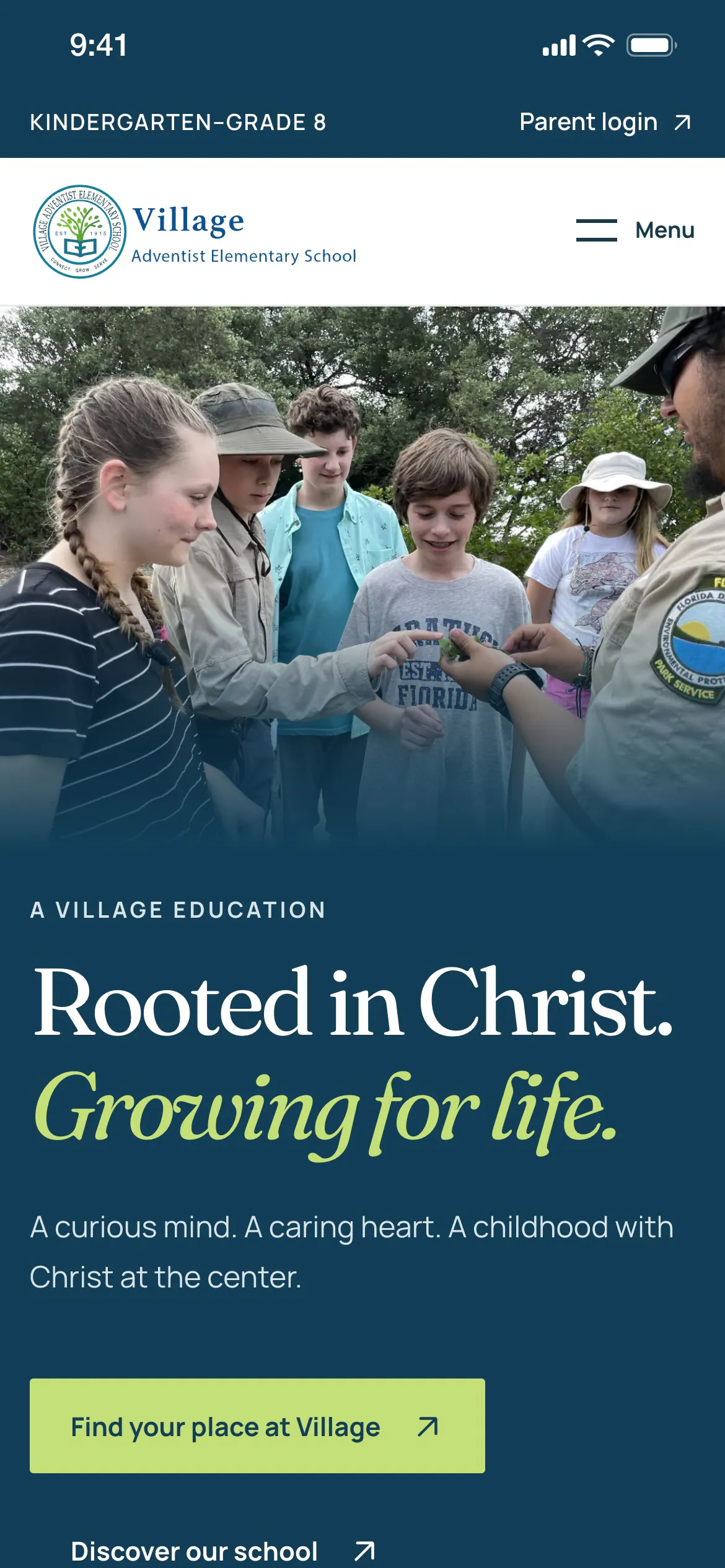
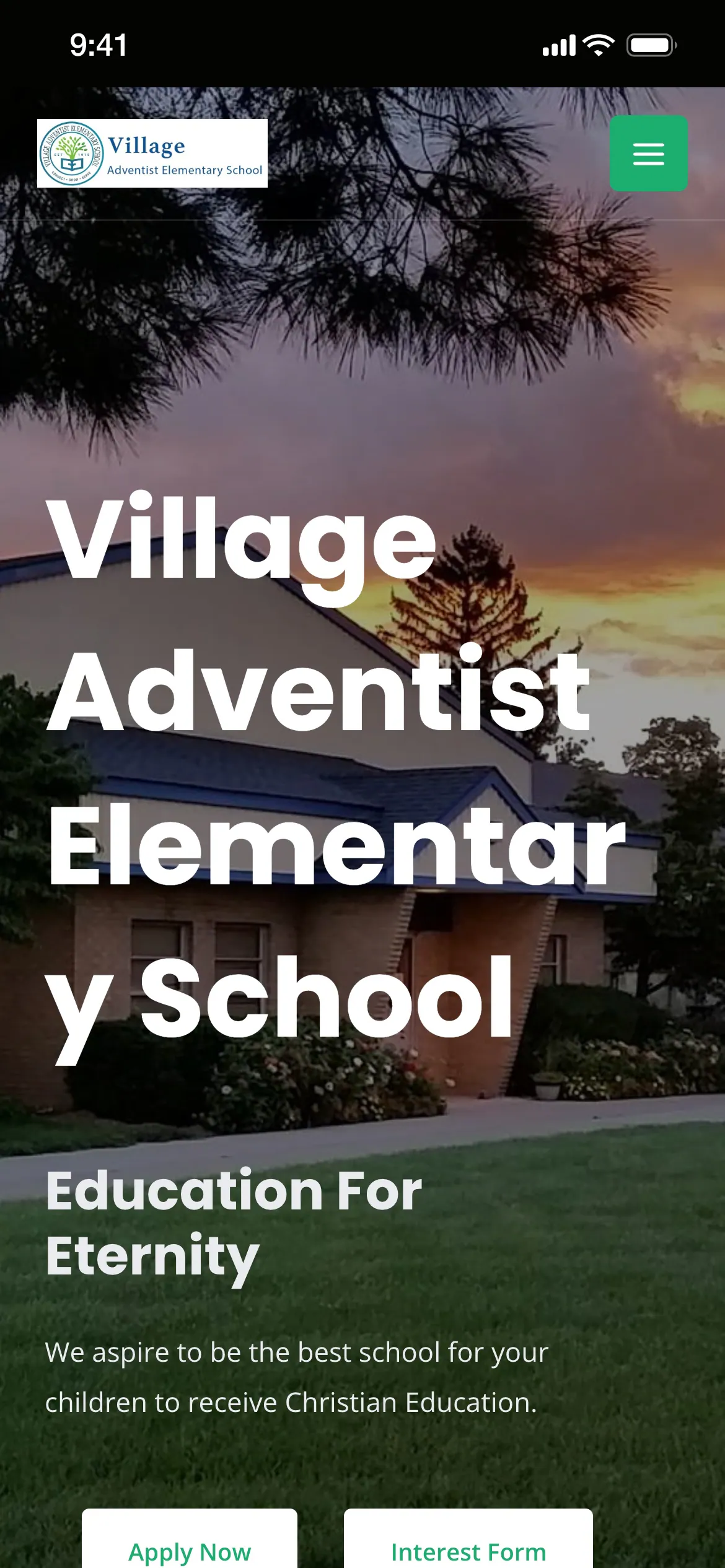
The old site and the new one, side by side. Drag across to compare.
01 · Discover Village
Faith, learning, people. Before the first visit.
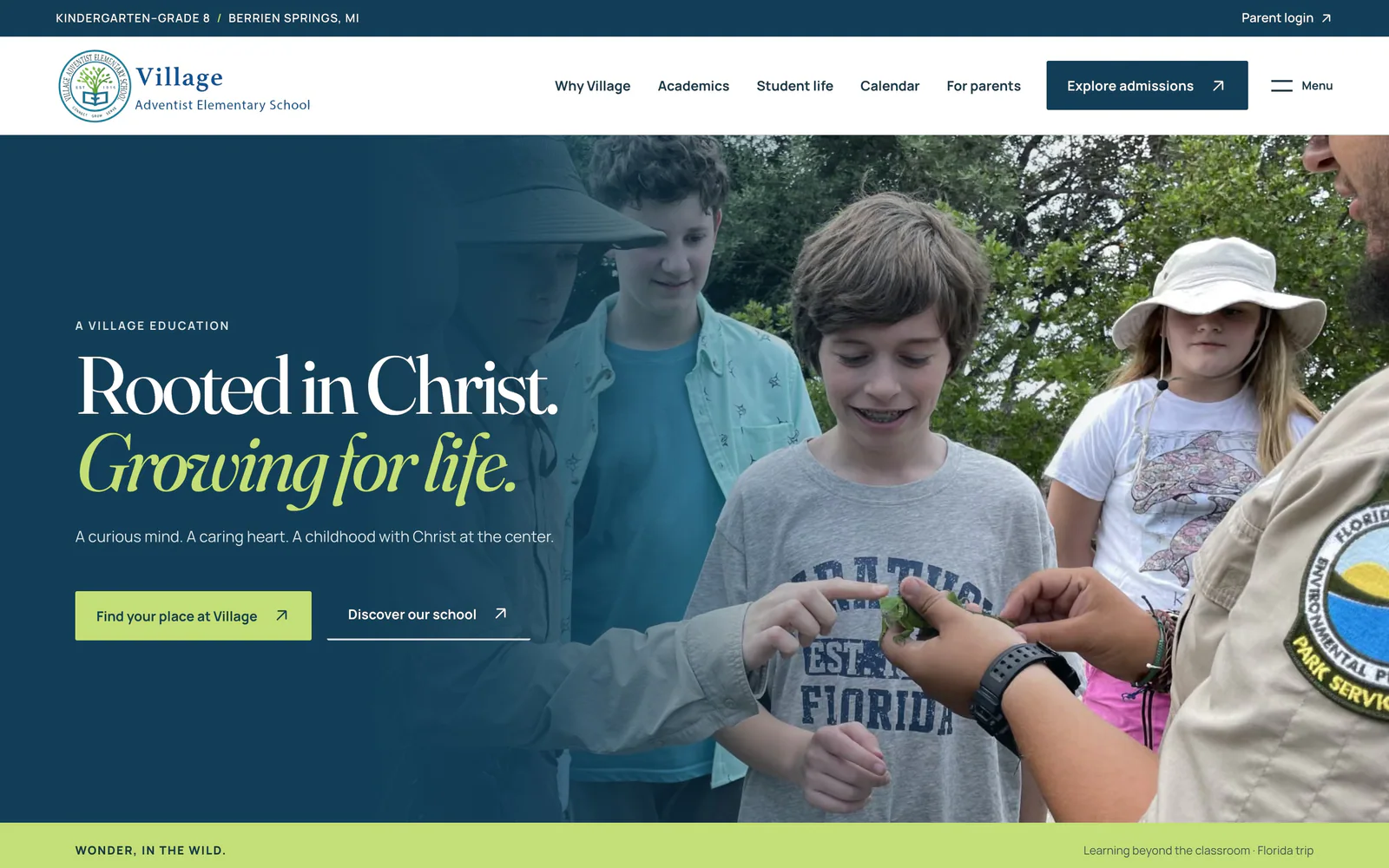
The home page leads with what makes Village, Village, then lets families meet the people.
- Faith and growth up front
- Three pillars
- Learning in three ways
- Student life
- Village Notebook stories
- Faculty directory by role
02 · The home page
One page, eight moments.
From the headline to the invitation, every piece is part of the story.
- 01Welcome
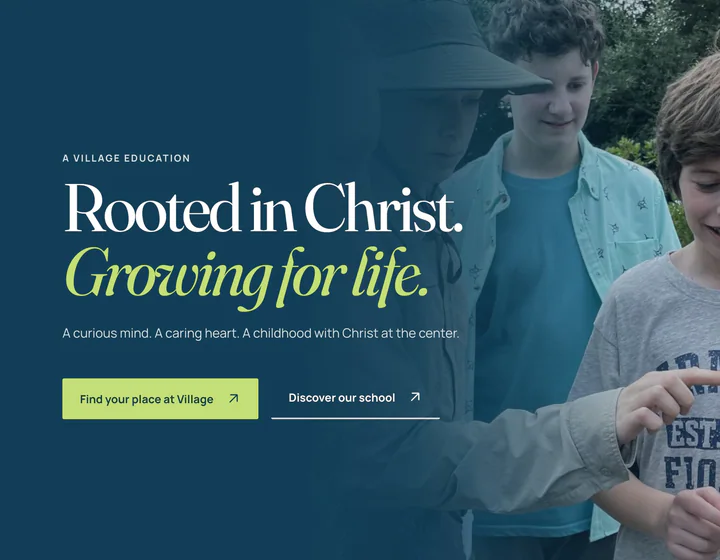 Rooted in Christ. Growing for life.
- 02Pillars
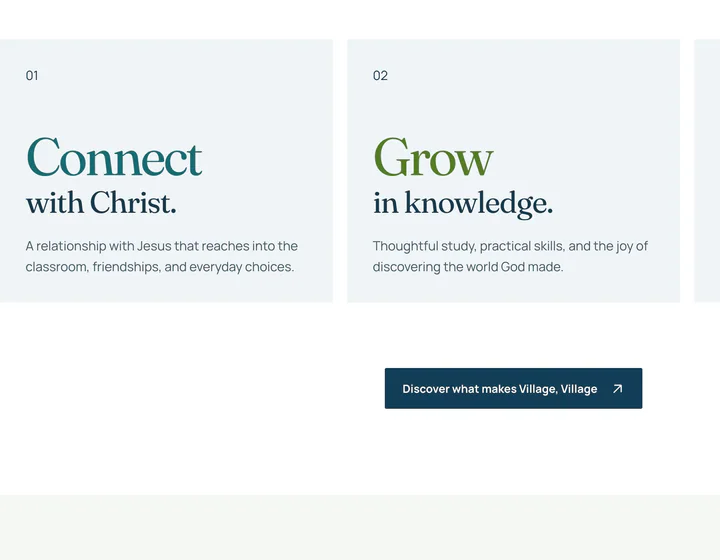 Connect, grow and serve
- 03Learning
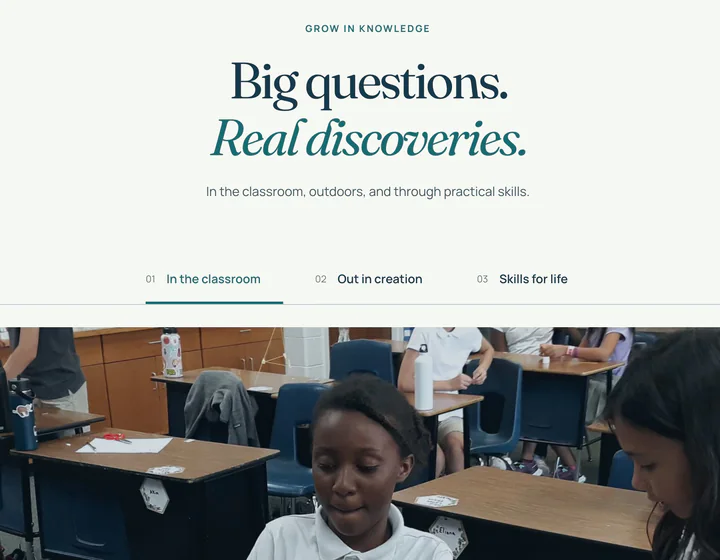 Big questions, real discoveries
- 04Faith
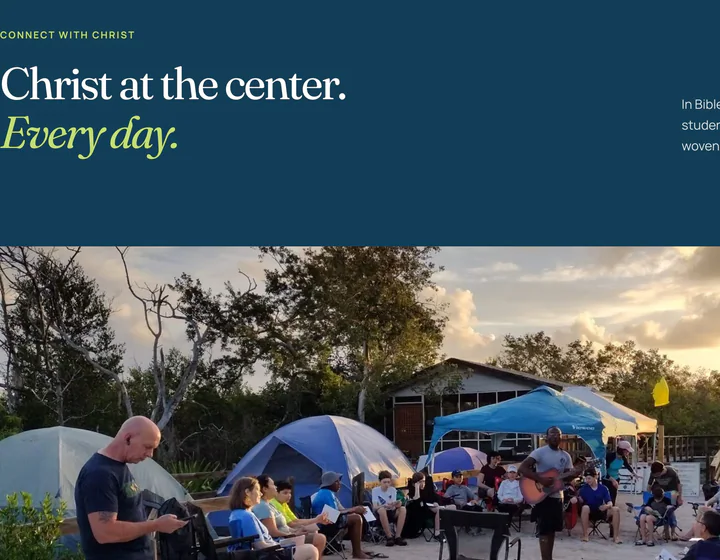 Christ at the center, every day
- 05Life at Village
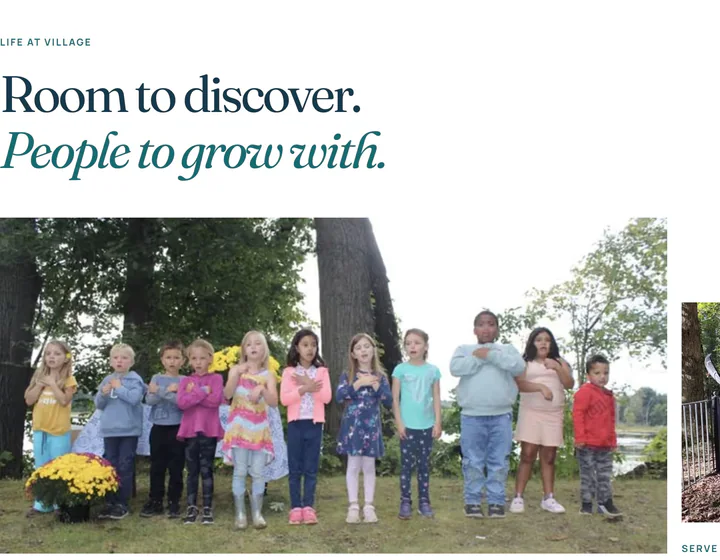 Room to discover
- 06People
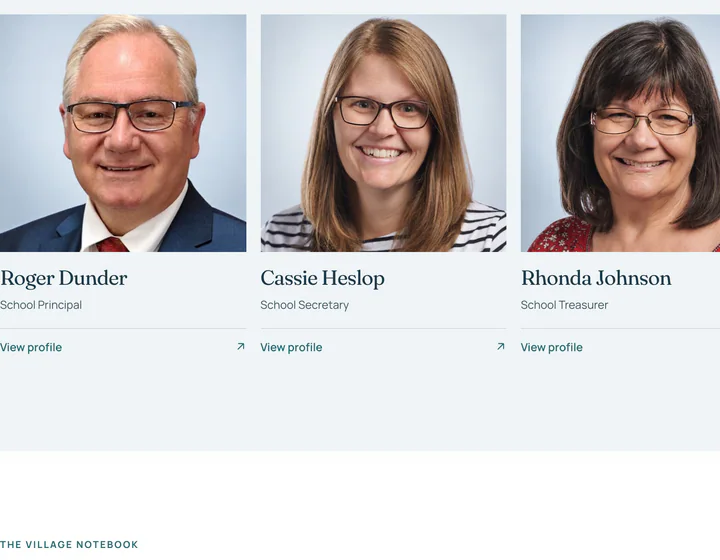 Teachers, mentors, partners
- 07Stories
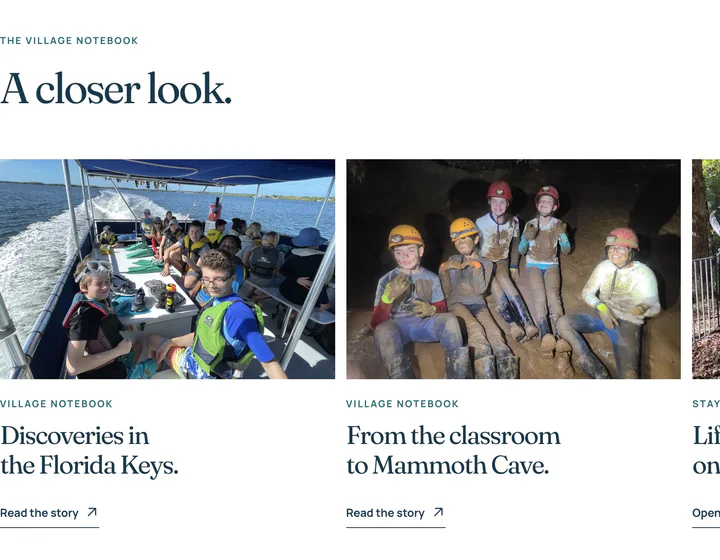 The Village Notebook
- 08Next step
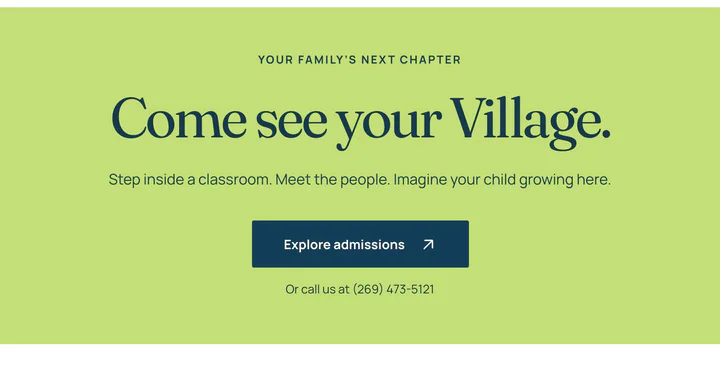 Come see your Village
03 · Admissions
Three steps. A clear path.
Admissions reads as a short path, with programs and assistance explained in plain words.
- Three steps
- First questions answered
- Programs explained
- Discounts published
- Assistance explained
- Visit and contact
Programs
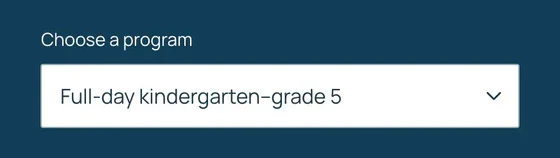
Pick a program. Plan the year.
Families choose a program to plan the school year ahead.
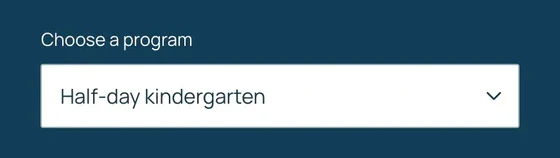
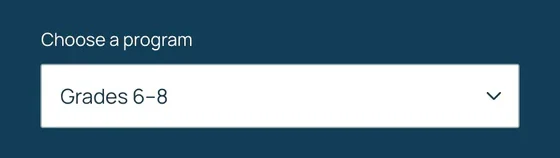
ProgramHalf-day kindergarten
04 · On the phone
Built for the school run.
Parents check the calendar and the portal from the car line, so every page starts on the phone.
- Phone first
- Admissions in three steps
- The calendar in a pocket
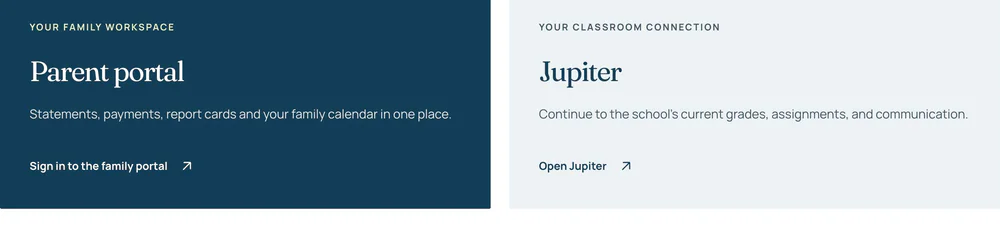
- Portal and Jupiter, one tap
- A menu for every section
05 · Parent hub
Everything for the school day, in reach.
A parent hub, a calendar to add to the phone, and one sign-in for the family.
- Parent hub
- Family portal
- Jupiter
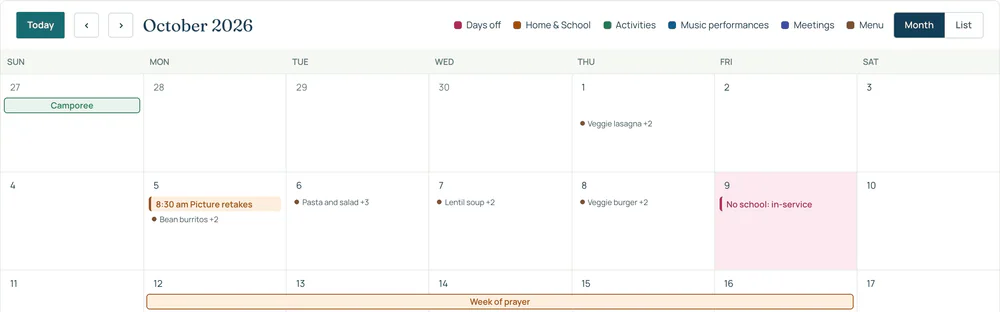
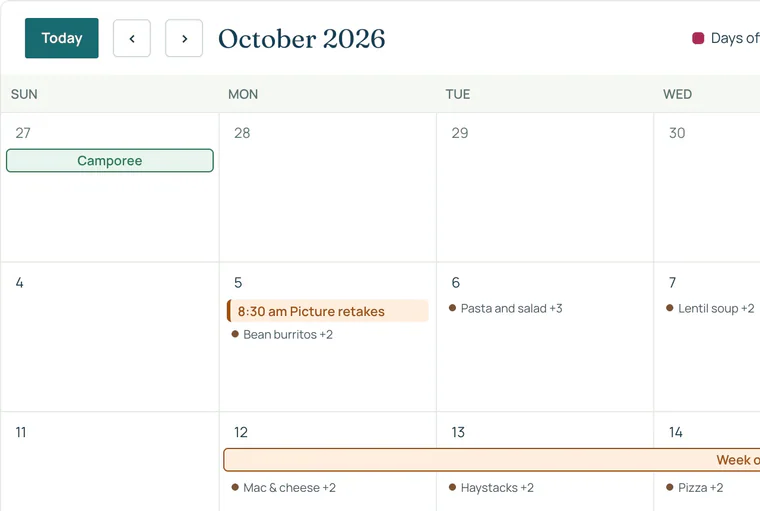
- School calendar
- Add to phone
- Handbook and supply lists
Built in
The school day, always close.
Calendar
Every date, one page.
Parent hub
The essentials, no login.
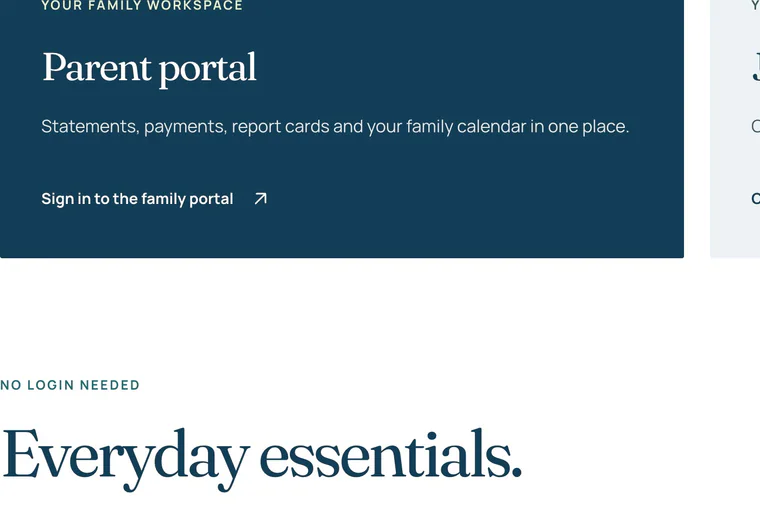
Family portal
One sign-in for the family.
How we delivered
From first visit to every school day.
We started with the questions families ask, designed the pages around them and built them phone first, then connected the calendar, Jupiter and the family portal.
- Plan
Pages and content
Every page, in order of need
- Design
Style and layouts
Type, color and components
- Build
Phone first
Every screen size, one design
- Connect
Calendar and sign-in
Jupiter, the portal and the calendar
- Refine
Review and polish
Content, speed and accessibility
17 people
Faculty and staff, each with a profile.
3 programs
Each explained in plain words.
K–8
Kindergarten to grade 8, on one site.
Your next chapter

